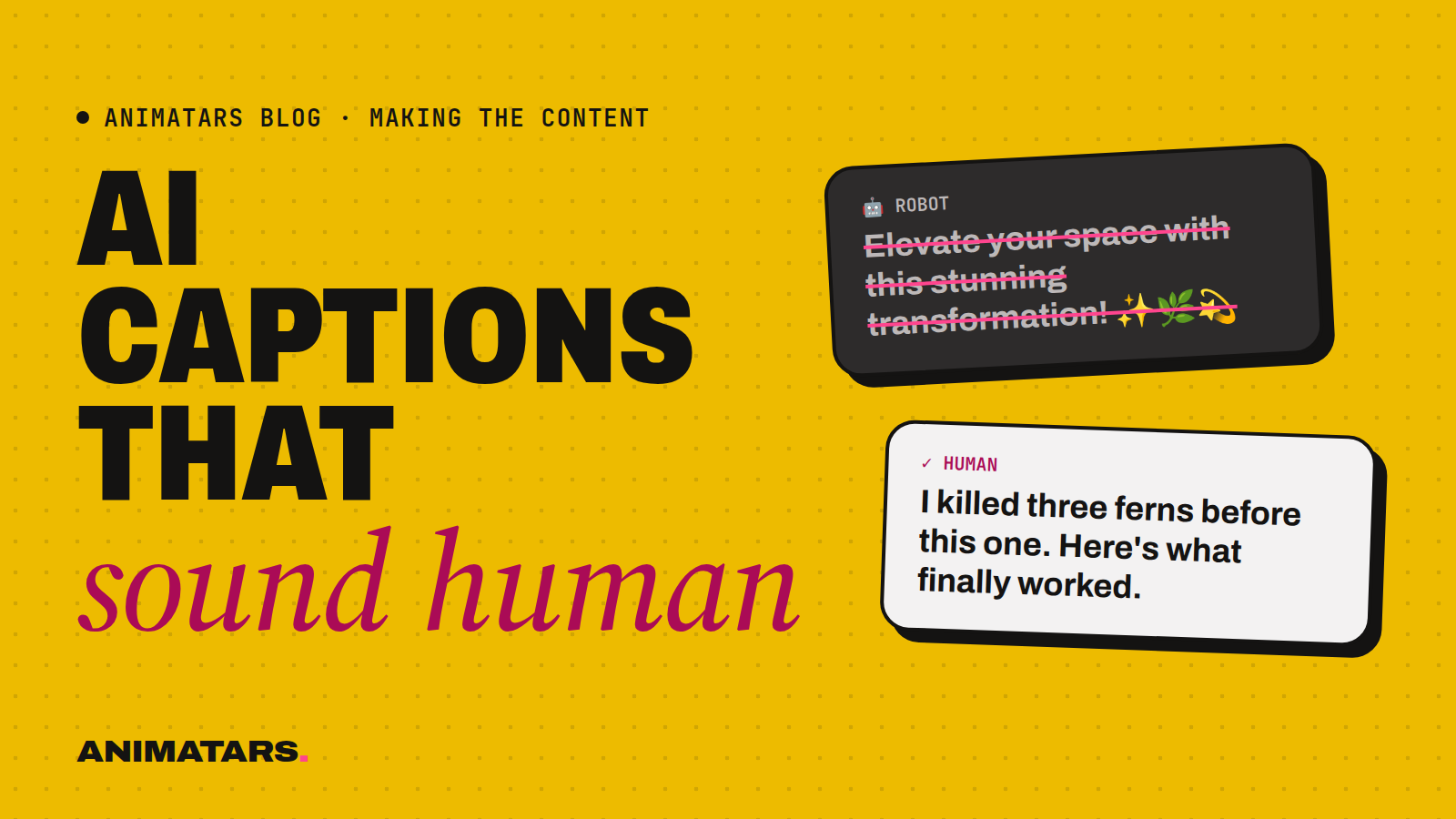
Here’s the first caption a chatbot ever wrote for us, for a photo of Claudia’s boho patio:
“Transform your outdoor oasis into a boho dream! 🌿✨ Embrace the magic of cozy vibes and let your creativity bloom! What’s your favorite patio style? 💛 #BohoLiving #PatioGoals #OutdoorOasis”
Nobody talks like that. Not your friend, not your aunt, not the woman in the comments who repaints her deck every spring. That’s the problem with most AI caption writing: it’s fluent, cheerful and completely empty.
The good news is that the fix isn’t “stop using AI”. We use it every day. The fix is giving it better raw material and doing one honest pass of editing. Below you’ll get the tells that give a robot away, five real “robot vs human” rewrites from different niches, the exact prompt we start from, and a seven-point check to run before you post.
Why AI caption writing sounds like AI
Read enough machine-written captions and you start spotting the same habits:
- Hype words with no object. “Stunning”, “magic”, “dream”, “vibes”. Stunning what?
- Emoji confetti. A sparkle at the end of every sentence, like seasoning nobody asked for.
- The fake question. “What’s your favorite style?” tacked on the end because someone said questions boost comments.
- Three adjectives in a row. “Cozy, calm and inviting.” People rarely stack three.
- No actual information. You finish reading and you still don’t know what the paint color was.
That last one matters most. A human caption almost always contains something only the person who made the post would know: the price, the mistake, the neighbor who complained, the reason the plant died. AI can’t invent that for you (and it shouldn’t, more on that below). You have to hand it over.
Step one happens before the prompt: give your character a voice
A caption generator with no context will write in the voice of “average internet”. If your AI creator has a voice, you need to write it down so the model can copy it.
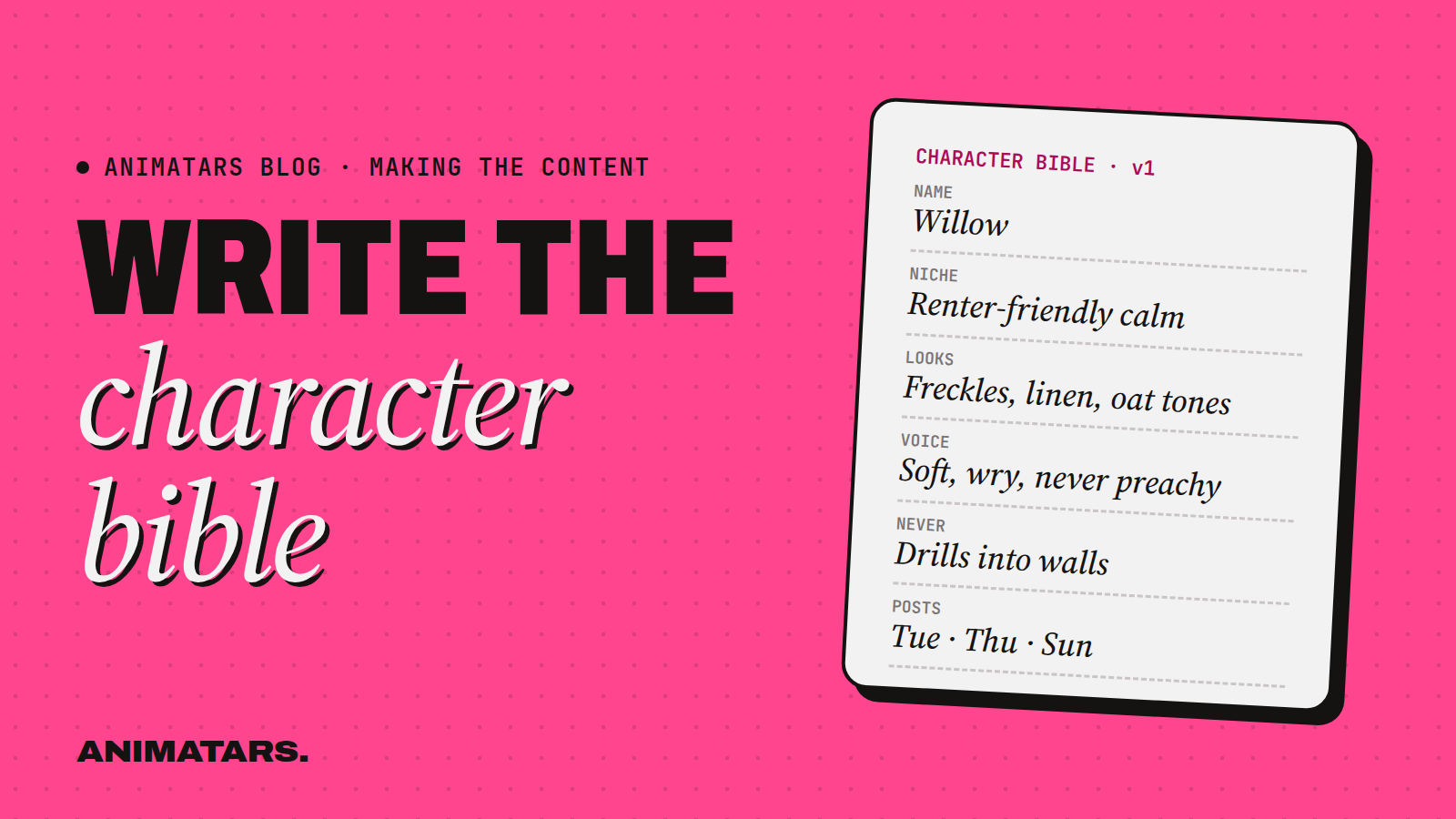
We keep a short voice card for every character, pulled from the full character bible. If you haven’t written one yet, our character bible template walks you through it, and the pillar post on keeping a consistent AI character explains why voice consistency matters as much as face consistency.
A voice card fits on an index card:
Name: Willow
Who she talks to: renters who want calm without losing the deposit
Sounds like: a calm older sister, dry humor, short sentences
Says: "honestly", "landlord-proof", "ten minutes, tops"
Never says: "obsessed", "life-changing", "vibes"
Emoji: one at most, usually none
Signature move: always tells you how to undo it
That last line is gold. “Always tells you how to undo it” gives every Willow caption a built-in useful detail, and it’s something a generic generator would never think of.
Robot vs human: five caption rewrites
Same posts, two captions each. The robot version is what we got from a one-line prompt. The human version is what we posted (or would post) after giving the AI real details and editing.
1. Claudia’s boho patio (DIY with Claudia)
Robot: “Transform your outdoor oasis into a boho dream! 🌿✨ Embrace the magic of cozy vibes!”
Human: “The rug is an outdoor rug from the clearance pile. The ‘rattan’ chair is a plastic one I spray painted. The pampas grass is real and is currently shedding on everything I love. Full shopping list in my stories.”
What changed: specifics (clearance rug, spray-painted chair), one small complaint that sounds like a person, and a clear next step. You can see more of Claudia’s style at diywithclaudia.com.
2. Alice’s $40 headboard (cozy rooms on a budget)
Robot: “Who says luxury has to be expensive? 💫 This DIY headboard is the perfect budget-friendly upgrade for any bedroom!”
Human: “$40 headboard. Plywood, foam, a thrifted duvet cover I cut up. The staple gun and I are no longer speaking. Swipe for the step where it all went wrong (and how I fixed it).”
What changed: the price is first, because the price is the hook. The materials list makes it feel doable. “Swipe for the step where it all went wrong” gives people a reason to keep going that isn’t a fake question.
3. Willow’s peel-and-stick wall (renter-friendly calm)
Robot: “Renters, rejoice! 🏠 Peel-and-stick wallpaper is the ultimate hack for a stylish, personalized space!”
Human: “Peel-and-stick on one wall. Took an evening. Comes off with a hairdryer and patience, which I tested on a corner first, because I like my deposit.”
What changed: the voice card’s “how to undo it” rule. Also no exclamation marks. Calm characters shouldn’t shout.
4. Logan’s garage shelf (builds)
Robot: “Level up your garage organization with this simple yet sturdy DIY shelf! 🔨💪 Perfect for beginners and pros alike!”
Human: “Wall shelf from two 2x4s and a sheet of plywood. Find the studs first. I didn’t, the first time. Build. Create. Improve.”
What changed: short, blunt sentences that fit Logan. A confession that doubles as a safety tip. His tagline at the end works as a sign-off instead of a hashtag pile.
5. A hypothetical budget-travel character (different niche, same rule)
Robot: “Wanderlust calling! ✈️ Discover the hidden gems of this breathtaking city on a budget!”
Human: “Day two. Skipped the famous viewpoint (the line went around the block) and took the city bus to the end of the line instead. Better view. No line. Cost of a bus ticket.”
What changed: a tiny story with a choice in it. Notice it still works with zero hype words.
The prompt we start from
Paste your voice card first, then this. Fill the brackets with real details.
You're writing an Instagram caption in the voice described above.

The post: [what's in the image or video, in plain words]
Real details: [price, materials, time it took, what went wrong, one honest opinion]
Goal of the post: [save it / share it / go to stories / comment a word]

Rules:
- Max [40] words.
- Lead with the most surprising real detail.
- No hype adjectives (stunning, magic, dream, obsessed).
- At most one emoji.
- No question at the end unless it's a real question I'd want answered.
- Don't invent facts. If a detail is missing, leave a [BLANK].

Give me 5 versions that each open differently.
Two lines in there do most of the work. “Lead with the most surprising real detail” fixes the bland opener. “Don’t invent facts” stops the model from deciding your headboard cost $25 or that the paint was a brand you never used. If you’re stuck on the first line, our swipe file of hooks for Reels and TikToks works for captions too.
Ask for five versions, pick the best one, then steal a phrase from the second best. That mix almost always beats any single draft.
The seven-point human check
Run this before posting. It takes about a minute.
- Read it out loud. If you’d feel silly saying it to a friend, rewrite it.
- Find the real detail. Is there at least one fact only you would know? If not, add one.
- Kill one adjective. There’s always one you can lose.
- Count the emojis. Match the voice card. When in doubt, remove.
- Check the ending. Does it ask for one clear thing (save, share, check stories), or nothing at all? Both are fine. Three asks is not.
- Check the facts. Prices, product names, steps. The AI may have “helped”.
- Check the disclosure. Is it clear somewhere that this creator is AI-generated?
Where AI disclosure fits in captions
Your captions don’t need a disclaimer stapled to every post, but your audience should never have to guess. We put “AI-generated character” in each creator’s bio, and we use the platform’s AI label when posting realistic synthetic content. Instagram, TikTok and YouTube all have ways to label AI-generated content, and the settings change, so check each platform’s current options when you post.
If a post is sponsored or contains affiliate links, say that clearly in the caption too. The FTC expects paid partnerships and affiliate links to be disclosed, and burying it in hashtag soup doesn’t count as clear. Our guide to AI content disclosure goes through it platform by platform.
Small platform tweaks
The same caption rarely fits everywhere.
- Instagram: the first line does the heavy lifting, since the rest is folded away. Put the price or the twist up top.
- TikTok: the video carries the story, so the caption can be a single line or a punchline. On-screen text matters more than the caption.
- YouTube Shorts: treat the title like a search phrase (“$40 DIY headboard, no sewing”) and keep the description simple.
Ask the AI for a version of each in one go. Then edit all three with the seven-point check.
FAQ
Can I use AI to write Instagram captions?
Yes. AI is great at first drafts, variations and trimming. Give it your character’s voice, one real detail from the post and a word limit, then edit the result yourself before posting.
Is a free caption generator good enough?
For brainstorming, sure. The trouble is that generic generators don’t know your character, so their captions sound like everyone else’s. A chat assistant with a saved voice card usually does better.
How long should an AI-written caption be?
As long as the post needs and no longer. A quick reel often wants one or two lines. A how-to carousel can carry a short list of steps. Cut anything the image already says.
Do I need to disclose that my AI creator’s captions are AI-written?
The bigger thing to disclose is that the creator itself is AI-generated. Say it in the bio, use the platform’s AI label where it applies, and be upfront if anyone asks how the content is made.
Make your captions sound like someone
Good AI caption writing is mostly good input: a voice card, one true detail and a ruthless edit. Do that and your AI creator stops sounding like a greeting card.
We’re building this into the Studio Pack: Character Keys with voice cards ready to go, and caption prompts in the Prompt Vault. It’s in beta now. Join the beta and help us shape it.