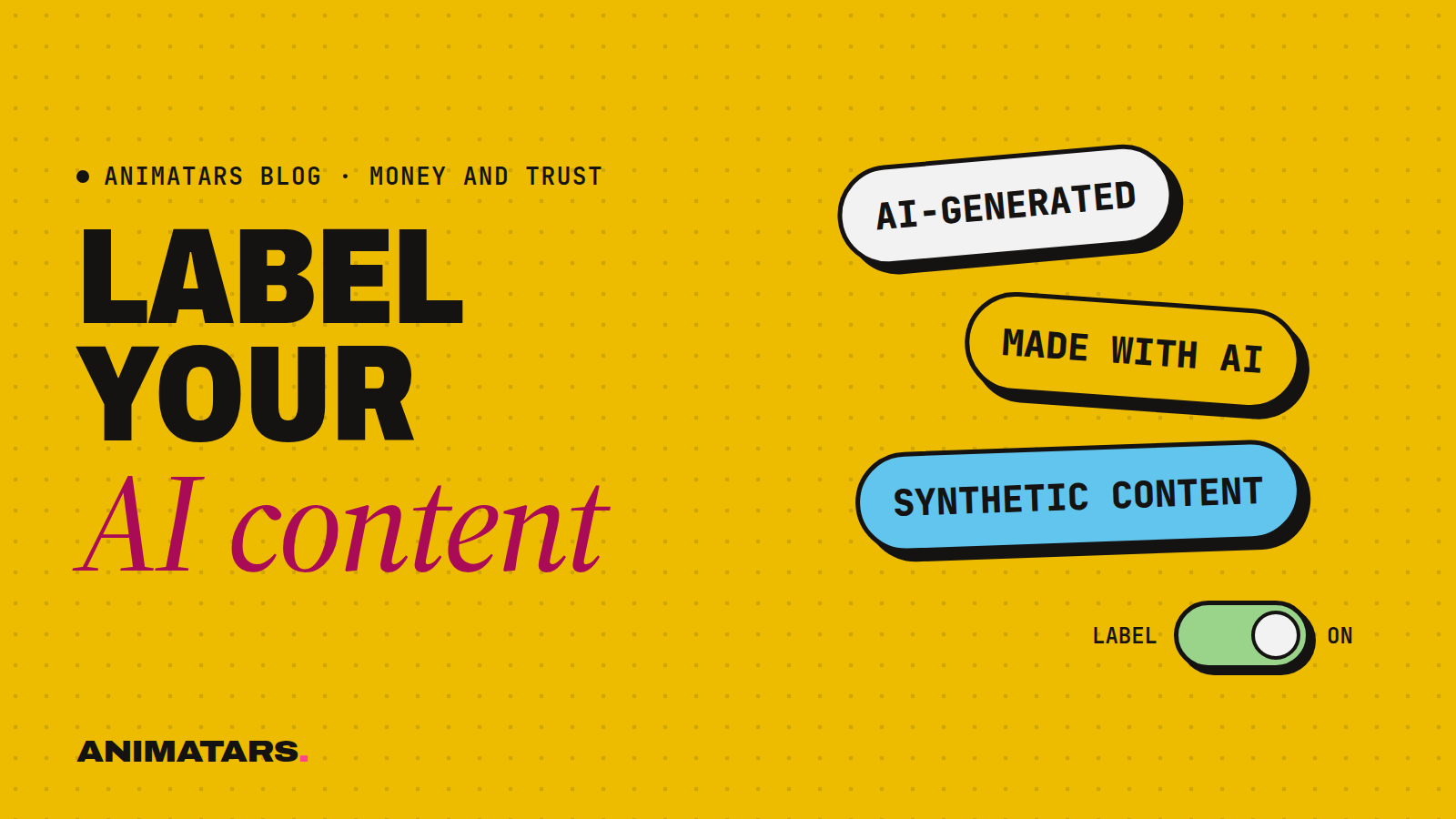
Every one of our creators is disclosed as AI-generated: Claudia, Alice, Hazel, Willow, Logan. No hedging, no tiny print, no “digital human” euphemism.
People sometimes ask if that hurts. Wouldn’t the posts do better if viewers didn’t know? Our answer: maybe for a week, and then it would hurt a lot. Claudia reached 582K+ followers and 100M+ views across platforms in 90 days with zero real faces shown, and she was disclosed as AI the whole way. Disclosure didn’t stop people from loving her patio makeovers.
This is the practical guide to AI content disclosure we wish we’d had: the five places a label belongs, how each major platform generally handles it, copy you can paste, and why it builds trust instead of costing it.
A quick caveat before we start: we’re a studio, not lawyers. Platform settings and rules change often. Treat this as a map of the general approach, then check each platform’s current help pages and policies before you post.
Why AI content disclosure matters
Three honest reasons:
Your audience deserves to know. If a viewer would feel fooled finding out later, they should know now. That’s the whole test.
Platforms expect it. Instagram and Facebook, TikTok and YouTube all have ways to label AI-generated or realistic synthetic content, and policies about when it’s required. Skipping labels where they’re required can put your account at risk.
It filters for the right audience. People who follow after reading “AI-generated” are there for the content: the $40 headboard build, the renter-friendly wall, the plant that finally survived. That’s a sturdier audience than one built on confusion.
If you want our longer take on the ethics, read Are AI Influencers Ethical? Our Rules for Doing It Right.
The five places a disclosure belongs
Think of disclosure as layers. One label on one post isn’t enough, because people meet your creator in different places.
1. The bio
The first thing someone sees on your profile. Put it right up front.
AI-generated creator. Renter-friendly makeovers, small budgets, calm rooms. Made by a real team.
2. The platform’s own AI label
When you post or upload, look for the option to mark content as AI-generated or synthetic. Use it on any post where your AI character appears or where realistic AI imagery, video or voice is used.
3. The caption or description
Platform labels can be small or easy to miss. A short line in the caption backs it up.
Images and video are AI-generated. The project steps are real and tested by our team.
4. The content itself
For videos, a brief on-screen note or a spoken line works well, especially when the clip may be reposted without your caption. Something like “Hi, I’m Willow, an AI creator” at the start of a series, or a small corner tag.
5. Your website
Your creator website should have a short “about this creator” section that explains the character is AI-generated and who’s behind it. This is where curious people go to check, and it’s a good place to be thorough.
How the big platforms handle it (in general terms)
We’re keeping this general on purpose. Menu names and exact steps move around, so check each platform’s help center for the current version.
Instagram and Facebook
Meta’s platforms offer a way to label content as AI-generated, and may also apply labels on their own. Look for the AI label option while creating a post or reel. Since your character appears across feed posts, reels and stories, don’t forget stories: they’re easy to skip.
TikTok
TikTok has a setting for labeling AI-generated content when you post, and rules about realistic AI content. Because TikTok videos get stitched, duetted and downloaded, an on-screen or spoken disclosure is extra useful there. Our AI TikTok account guide covers this in context.
YouTube
YouTube asks creators to disclose realistic altered or synthetic content during upload, and may show a label to viewers. For an AI host channel, also say it in the channel description and the video description. Shorts count too.
Everywhere else
Pinterest, Threads, X, your newsletter: if a platform has an AI label, use it. If it doesn’t, the bio and caption lines do the job.
AI labels are not ad labels
This trips people up. Labeling a post as AI-generated says nothing about money. If a post is sponsored or contains affiliate links, that’s a separate disclosure.
The FTC expects paid partnerships and affiliate relationships to be disclosed clearly. In practice that usually means:
- Using the platform’s paid partnership tool for sponsored posts
- Saying it in plain words, near the start of the caption
- Disclosing affiliate links near the links themselves
So a sponsored post from an AI creator may need two disclosures: one for the AI, one for the ad. Check the FTC’s current guidance and each platform’s branded content rules. We go deeper on this in the affiliate playbook and in How AI Creators Land Brand Deals.
Your disclosure kit (copy and adapt)
Save these somewhere you’ll actually use them, like a note on your phone or a section in your character bible.
Bio line:
AI-generated creator by [studio or your name]. [Niche in a few words].
Standard caption line:
[Character] is AI-generated. Project tips are real and tested by the team behind this account.
On-screen tag:
AI creator
Spoken intro (start of a series):
Hi, I’m [Character], an AI creator. Today we’re [project].
Sponsored post:
Paid partnership with [Brand]. [Character] and these visuals are AI-generated; the product was chosen and tested by our team.
Affiliate post:
Affiliate links below: we earn a small commission if you buy. Visuals are AI-generated.
Website “about” blurb:
[Character] is an AI-generated creator made by [team]. The face, voice and videos are created with AI tools. The ideas, projects and recommendations come from real people who [do the thing].
Before-you-post checklist
- AI label turned on (if the platform has one)
- Caption line included
- On-screen or spoken note for video
- Ad or affiliate disclosure, if any money is involved
- Nothing in the post claims a physical experience the character didn’t have
Mistakes we see
- Labeling the account but not the posts. Reposts travel without your bio.
- Euphemisms. “Digital persona” or “virtual friend” can confuse people. “AI-generated” is clear.
- Hiding it in hashtags. A tag in a pile of thirty hashtags isn’t really a disclosure.
- Forgetting old content. If you started before you labeled, go back and add labels where you can.
- Fake real-life claims. An AI character saying “I sanded this all weekend” is misleading unless it’s clearly framed as the team’s work.
FAQ
Do I have to label AI-generated content on social media?
Platforms including Instagram, Facebook, TikTok and YouTube have rules and tools for labeling AI-generated or realistic synthetic content. Check each platform’s current policy, and when in doubt, label it.
Where do I find the AI label setting?
Usually among the options you see while posting or uploading. The exact spot changes over time, so check each platform’s help center for current steps.
Does labeling AI content hurt reach?
We can’t promise anything either way about reach. Clear labels protect your account and your audience’s trust, which matters more over time.
Do I still need to disclose ads if I’ve labeled the post as AI?
Yes. AI labels and ad disclosures are separate. The FTC expects paid partnerships and affiliate links to be disclosed clearly, on top of any AI label.
Label it and get back to the fun part
Disclosure takes a few seconds per post once it’s a habit. Paste the kit into your notes today and use it on your next upload.
If you’d like a studio that builds disclosure into the whole workflow, from character bible to member site, and helps you earn from your creator honestly, join the beta.