Here’s the uncomfortable truth about the first thing most creators try to sell: it’s too big. A 90-page ebook. A twelve-module course. A membership with a Discord. Then it sits there, gorgeous and unbought, while you wonder what went wrong.
Our advice is smaller and a bit boring: if you want to sell digital products, start with a $9 PDF. Not because $9 will change your life (it won’t), but because it teaches you everything the big product needs to know. Who buys. What they ask. Which caption made them click.
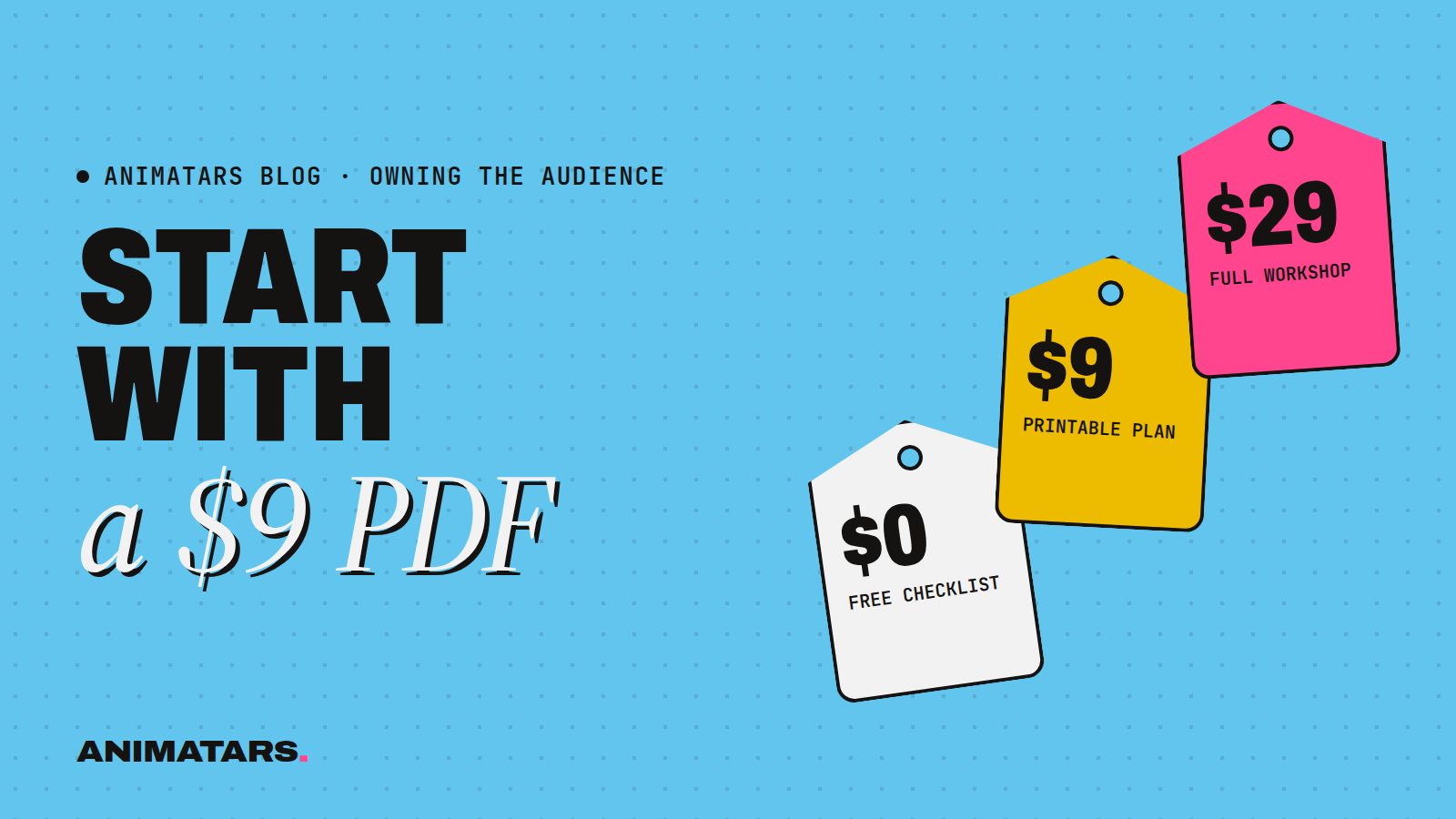
Below is the ladder we use when we plan products for our AI creators: one free thing, one $9 thing, one $29 thing. You’ll get examples from home decor and a few other niches, a weekend build plan, and the stuff we wish someone had told us about pricing.
Why the ladder works
Most followers will never buy anything. That’s fine. The ladder isn’t about squeezing everyone. It’s about giving the people who already love your stuff an easy next step, then another one.
Each rung does a different job:
- Free: earns the email address. This is your lead magnet.
- $9: turns a reader into a buyer. The first purchase is the hardest one, so make it tiny and obviously useful.
- $29: solves a bigger problem for people who liked the $9 thing.
You don’t need all three on day one. You need the free one, then the $9 one. The $29 one shows up once buyers start asking “do you have more of this?”
Rung one: the free download
Before you sell digital products, you need somewhere to sell them to. That’s your email list. A good freebie is the cheapest way to fill it.
Make it narrow. “Home decor tips” is a blog post. “The 10-Minute Entryway Reset Checklist” is a freebie.
A few that fit our creators:
- Claudia (plants and patios): a one-page “Which plant survives your balcony?” flowchart.
- Willow (renter-friendly calm): “What you can change without losing your deposit,” a printable cheat sheet.
- Logan (builds): a cut list for a simple plant stand.
If you want a longer list, we put 19 of them in Lead Magnet Ideas That Get Followers Onto Your Email List. And if you’re still deciding whether an email list is worth it, read why your followers aren’t really yours.
Rung two: the $9 PDF
This is the heart of the post. The $9 product should feel like a small bargain, solve one specific problem, and take you a weekend to make.
What makes a good $9 product
Ask three questions:
- Do people keep asking you the same thing in comments or DMs?
- Could the answer fit in a few pages, a template or a spreadsheet?
- Would someone use it this week?
If yes to all, you’ve got it.
Examples by niche
Home decor and DIY:
- “Boho Patio Shopping List”: every item from a patio makeover, grouped by budget tier, with swap ideas. (This is basically what people beg for under every makeover video.)
- “Rental Wall Planner”: a printable grid for planning a peel-and-stick accent wall, with a measuring worksheet.
- “The $40 Headboard Build Guide”: step-by-step photos, a materials list and a tools list.
Other niches:
- Fitness: a four-week printable workout tracker for small apartments.
- Cooking: a grocery list and prep schedule for a week of one-pot dinners.
- Personal finance: a monthly budget spreadsheet with plain-English instructions.
- AI art: a prompt pack for one specific style, with example outputs.
Notice none of these are “everything I know.” They’re one problem, solved neatly.
Making it look like it’s worth paying for
You don’t need a designer. Canva templates will get you most of the way. A few rules we stick to:
- Put a real cover on it. Even a simple one.
- Open with a one-paragraph “how to use this.”
- Use your character’s colors and style so it feels like part of their world.
- Add a last page that points to the next rung (more on that below).
If your creator is an AI character, say so on the product page and inside the PDF. A small line like “Made by the team behind Claudia, an AI-generated creator” does the job. Buyers are paying for the help, and honesty keeps refunds and angry comments away.
Rung three: the $29 kit
Once people buy the $9 thing, watch what they ask next. That question is your $29 product.
Say your patio shopping list sells, and the replies are all “how do I pick a color palette?” and “what if my balcony is tiny?” Now you have a kit: the shopping list, a palette guide, three layouts for small spaces, and a printable planning worksheet.
Some $29 shapes that work:
- A bundle: three or four related PDFs plus a bonus template.
- A mini workshop: a short recorded walkthrough plus a workbook.
- A seasonal pack: “Holiday Mantel Kit” with a styling guide, shopping list and printable tags.
Keep the $9 product on sale even after the kit launches. It’s still the front door.
A weekend plan to ship your first $9 product
Here’s a plan you can start today. Adjust the hours to your life.
Saturday morning: Scroll your last month of comments and DMs. Write down every question. Circle the one that comes up most.
Saturday afternoon: Outline the answer in a doc. Aim for something a buyer could finish in one sitting. Write it plainly. If you use ChatGPT or Claude to help draft, rewrite it in your character’s voice and check every fact.
Sunday morning: Lay it out in Canva. Cover, how-to-use page, the content, a “what’s next” page.
Sunday afternoon: Set up a checkout link with a tool like Lemon Squeezy or Stripe. Write a short product page: who it’s for, what’s inside, what problem it solves, and the AI disclosure.
Monday: Tell your email list first. Then make one short video showing the product in use (flip through the pages, show the finished patio, point at the list). Add the link to your bio.
That’s it. It won’t be perfect. It doesn’t need to be.
Pricing without overthinking
Pricing is the part people stall on longest, so here’s our honest take.
- Low prices are for learning. A $9 product gets you data and buyers. You can raise prices later. Lowering them after launch feels worse.
- Price the problem, not the page count. A two-page checklist that saves someone a wasted Saturday is worth more than a 50-page ramble.
- Try a launch price. Something like “$7 this week, $9 after” gives people a reason to act now without being pushy.
To make the math concrete with made-up numbers: say you have 2,000 people on your email list and a handful buy. That’s a small amount of money and a huge amount of information. Who were they? What did they click? What did they ask afterward? That’s the gold.
And the plain truth: results vary a lot. Some products flop, some quietly sell for years. Nothing here is a promise of income. Treat your first product as an experiment, not a paycheck.
Where to sell it
You have two basic options.
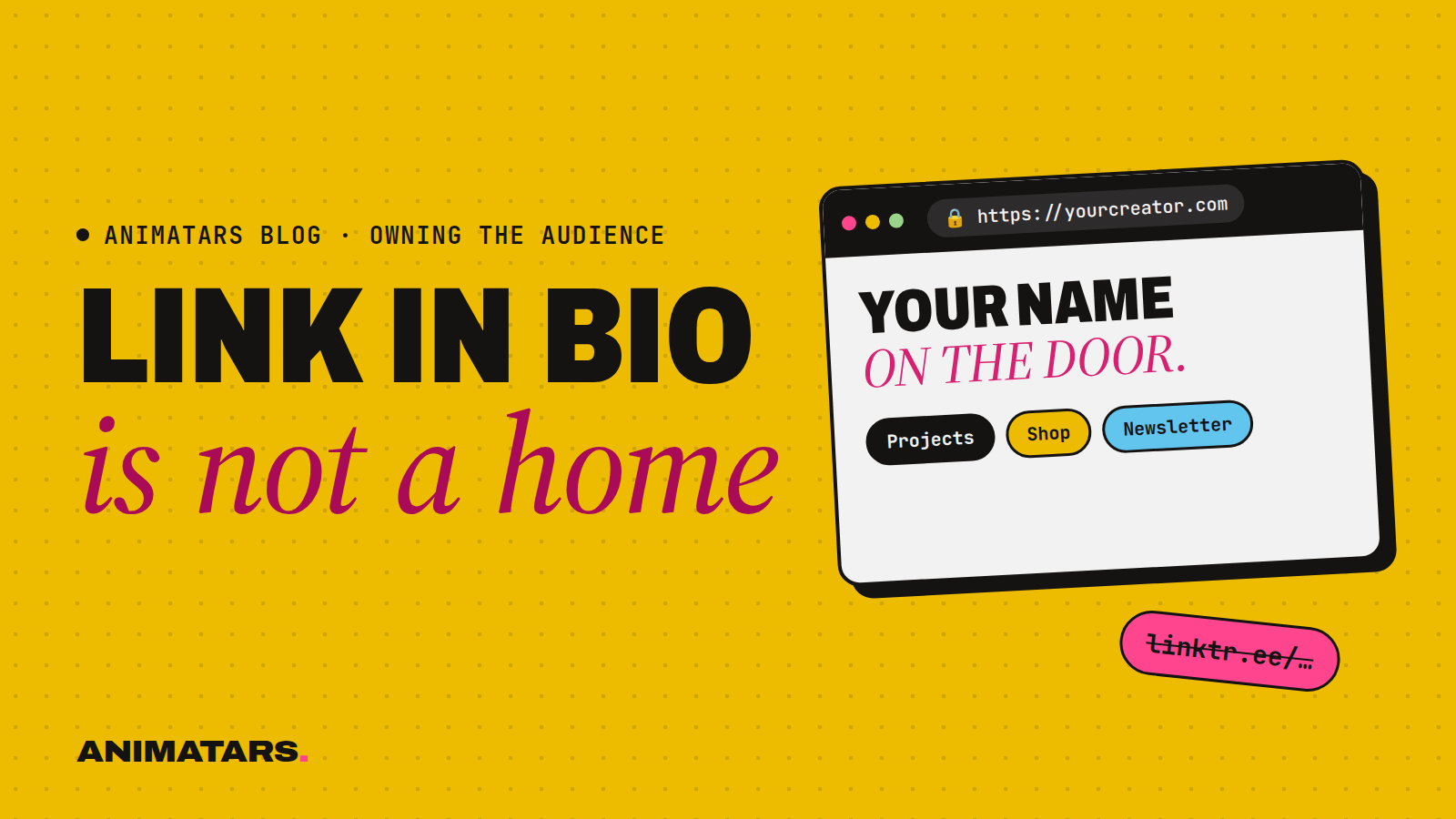
Start simple: a checkout link from a payment tool, shared from your bio and your emails. Fast and fine for testing.
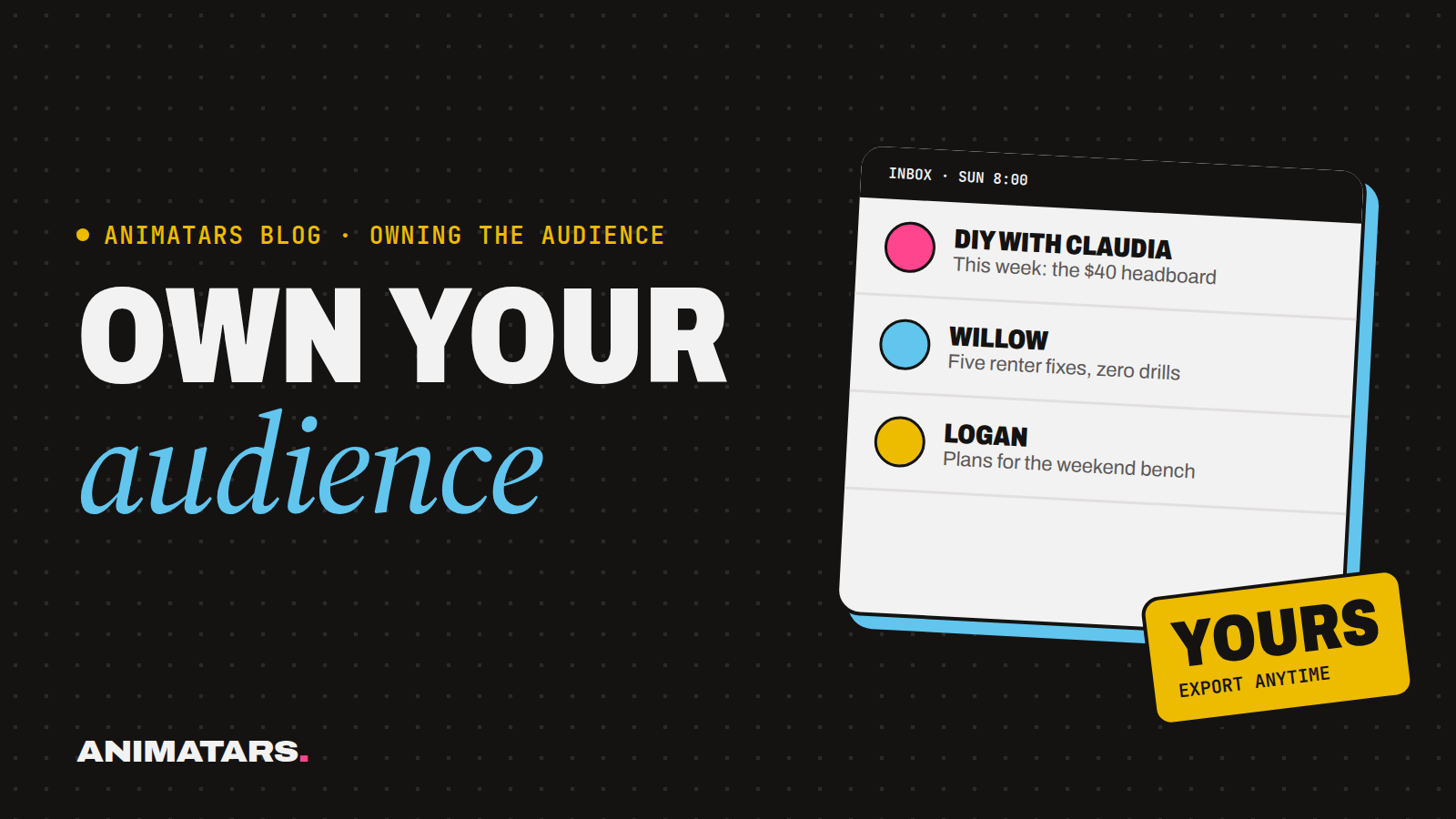
Build a home: your own site with a store page, an email signup and your content, all in one place. That way, if a platform changes the rules, your buyers can still find you. We make the full case in Why Every Creator Needs a Website.
This is a big part of what we’re building at Animatars: member sites with an email list and a store hookup, so an AI creator’s audience has a real home. It’s in beta, so we’re still shaping it with early members.
Mistakes we see (and made)
- Building in secret for months. Ship the small thing. Learn. Then build the big thing.
- Selling to strangers. Products sell to people who already trust you. Grow the list first.
- Forgetting the “what’s next” page. Every free thing points to the $9 thing. Every $9 thing points to the $29 thing.
- Hiding the AI. If your creator is AI-generated, say so. It’s the right thing to do and it protects your reputation.
- Copying someone else’s product. Your audience’s questions are the best product brief you’ll ever get. Use them.
If you’re curious how products fit next to brand deals and affiliate links, we rank all the income options in How to Make Money With an AI Influencer.
FAQ
What digital products sell best for beginner creators?
Small, specific things that solve one problem: a checklist, a printable planner, a shopping list, a prompt pack or a short guide. When nobody knows you yet, narrow beats big.
How much should I charge for my first digital product?
Pick a low, easy-yes price for a single-problem PDF, then a higher price for a bundle that solves a bigger problem. Test and adjust. There’s no magic number, and results vary.
Do I need a website to sell digital products?
Not to start. A checkout link from a tool like Lemon Squeezy or Stripe works for testing. But a website and email list give you a home that a platform change can’t take away.
Can an AI creator sell digital products?
Yes, as long as the character is clearly disclosed as AI-generated and the product is genuinely useful. The buyer is paying for the help, not the face.
Your next step
Go read your comments. The product is probably sitting there already, phrased as a question. Make the $9 version this weekend.
If you’d like a studio behind you while you do it (prompts, character bibles, site templates and the email and store hookups we’re building), join the beta.