Picture a stall at a busy weekend market. Great foot traffic, lovely signage, people stopping to chat. Now picture the market owner changing the layout every few months, moving your stall behind the porta-loos, and keeping the list of everyone who ever bought from you.
That’s building only on social. It’s a fantastic place to meet people. It’s a terrible place to live.
This post is our case for a creator website: a home you own, that your accounts point to, where your audience can actually stay. We’ll make the argument, answer the honest objections, and finish with a one-page plan you can build in a weekend.
The problem with “link in bio”
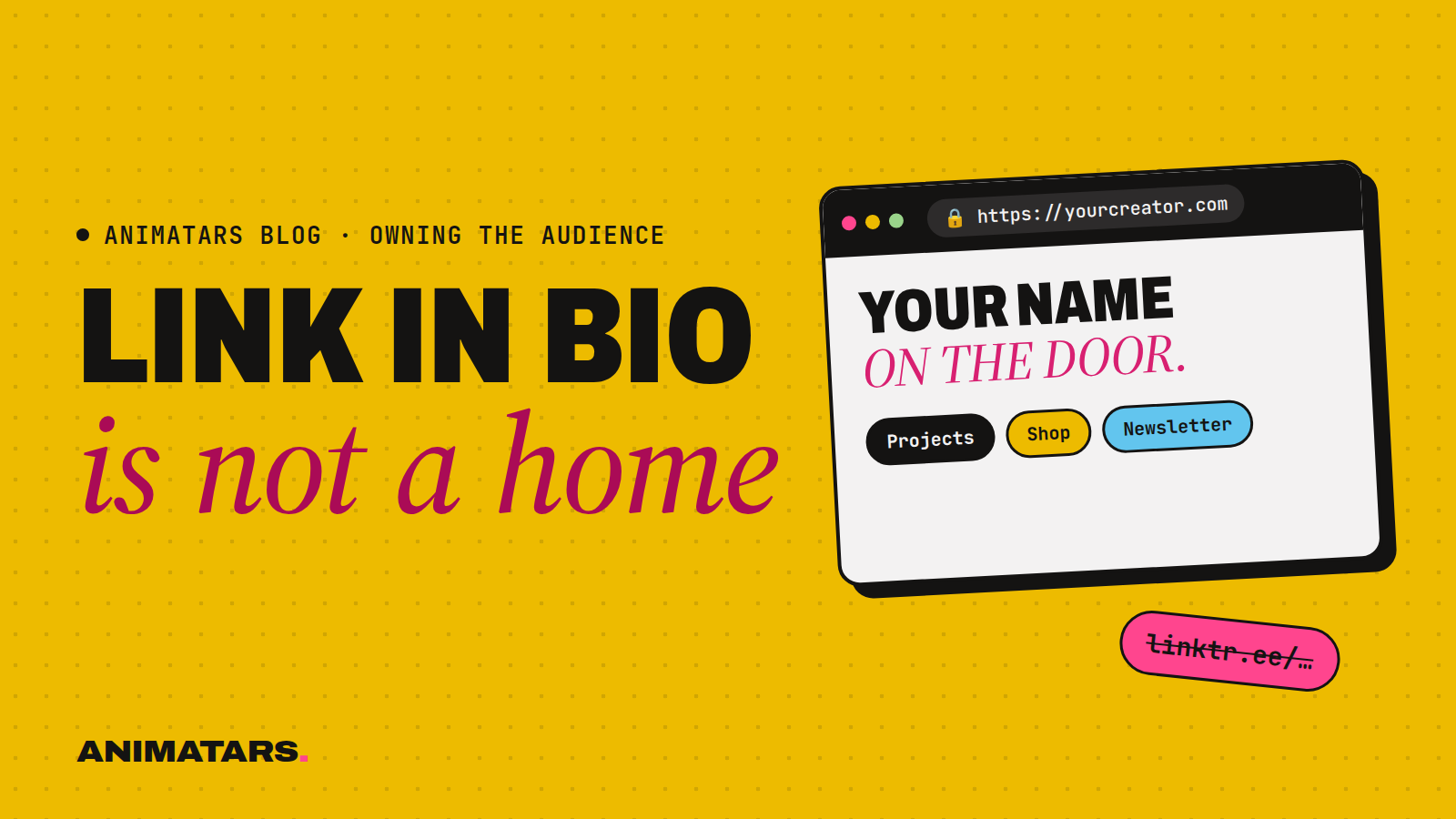
A link-in-bio page is a list of doors. Somebody loves your reel, taps your profile, taps the link, and gets… six buttons. Shop my Amazon. My TikTok. My other TikTok. A discount code. Then they leave, and you never hear from them again.
It’s not useless. It just isn’t a home. It doesn’t remember anyone, it can’t be found in Google, and it says nothing about who your creator is.
A website can do all of that.
Five reasons every creator needs a website
1. It’s the only place where the rules are yours
Every platform changes its feed, its formats and its policies. That’s not a conspiracy; it’s just what platforms do. When it happens, accounts that live only there feel it hardest. On your own site, nothing moves unless you move it.
2. It’s where followers become subscribers
A follow is a maybe. An email address is a yes. Your website is where you ask for that yes: a signup box, a reason to join (a free checklist, a printable, a weekly note from your character), and a welcome email that sounds like her. We go deep on why this matters in Email List for Creators: Why Your Followers Aren’t Really Yours, and if you need ideas for that reason-to-join, see 19 lead magnet ideas.
3. Your best content gets a second life in search
A reel is gone from most feeds within days. A blog post titled “Renter-friendly kitchen upgrades you can undo” can be found by someone typing that exact phrase into Google next year. Pinterest is even better for this in visual niches like home decor: one good Pin can keep sending people to your site long after you posted it.
4. It’s where you can sell without a middleman deciding who sees it
A $9 PDF of your character’s patio plans. A printable cleaning checklist. A paint palette guide. Selling these from your own site means you choose the price, the page and the follow-up email. Tools like Lemon Squeezy or Stripe can handle the checkout side. If you’re curious how to start small, read How to Sell Digital Products as a Creator.
5. It makes your creator feel real (in the honest way)
A character with a home page, an about story, favorite projects and a voice in her emails feels like someone you can get to know. That’s true for human creators and it’s especially true for AI ones. And because it’s your site, you get to explain the AI part properly: who made her, why, and what’s real about the advice.
The objections (and our honest answers)
“I don’t have enough followers yet.” That’s actually the best time. Every person who joins your list early is someone you can reach later, even if your account hits a slow patch. Starting at zero means you don’t have to migrate anyone.
“I’m not technical.” You don’t need to be. Website builders and templates exist exactly for this. A single page with a headline, a photo of your creator, a signup form and three links is a real website. You can add the rest later.
“Nobody reads blogs anymore.” People read answers. When someone types “how to style a small balcony” into a search bar, a clear post with photos and a checklist is exactly what they want. Your site is where those answers live.
“Isn’t this a distraction from posting?” It’s the opposite. Your site makes every post work harder, because each one can point somewhere that keeps people. One hour a week on the site is plenty to start.
“My creator is AI. Won’t a website feel fake?” Only if you hide it. Say plainly on the about page that the character is AI-generated, who’s behind it and why. Readers respect a clear explanation. What they don’t respect is finding out later.
What our creators’ sites look like
Each of our AI creators has a home, and each one does a slightly different job:
- DIY with Claudia is the patio, plant and boho-makeover hub. Claudia reached 582K+ followers and 100M+ views across platforms in 90 days with zero real faces shown, and a site like this is how that audience gets somewhere to stay.
- DIY with Alice is cozy rooms on a budget.
- DIY with Hazel is high-end looks for less.
- DIY with Willow is renter-friendly calm.
- DIY with Logan is builds: “Build. Create. Improve.”
Same idea in every case: social is where people meet the character, the site is where they get to know her.
The one-page creator website plan
You don’t need a big site. You need a good first page. Here’s the outline we’d use, top to bottom.
ONE-PAGE CREATOR WEBSITE

1. Header
   - Creator's name + one-line promise
     e.g. "Willow: calm, renter-friendly rooms you can undo."
   - One great image of the character in her world

2. Email signup (above the fold)
   - What they get: "My free renter's move-in checklist"
   - How often: "One calm email a week"
   - Button: "Send me the checklist"

3. Best of
   - 3 to 6 favorite projects, each with a photo and short summary
   - Link each to a full post or video

4. Shop / recommendations
   - A few products or your own digital download
   - Clear note: "Some links are affiliate links; I may earn a commission."

5. About
   - Who the character is and what she cares about
   - "Willow is an AI-generated character created by [studio/you].
      The projects and advice are tested and written by real people."
     (Adjust so it's true for you.)

6. Footer
   - Links to each social account
   - Contact email for brand inquiries
Build that, point your bio link at it, and you’ve traded a list of exits for a front door.
Your weekend build checklist
- Pick a domain with your creator’s name (or niche + name).
- Choose a simple builder or template.
- Write the one-line promise and the about blurb, with the AI disclosure.
- Set up an email tool such as Kit, Beehiiv or MailerLite and connect the signup form.
- Make one freebie worth signing up for.
- Add three “best of” projects.
- Add affiliate or sponsorship disclosure wherever you recommend products.
- Swap your link in bio on every platform to point to the site.
If you’re still weighing whether to build around yourself or around a character, our comparison Personal Brand vs Character Brand walks through it with a short quiz.
FAQ
Do content creators really need a website?
If you want to keep your audience no matter what happens to one app, yes. A website is the one place online where you set the rules, collect emails and sell things without someone else deciding who sees it.
Is a link-in-bio page the same as a website?
Not really. A link-in-bio page is a list of exits. A website is a home: it can hold your best posts, your email signup, your products and your story, and it can be found in Google and on Pinterest.
What should a creator website include?
Start with four things: a clear home page that says who the creator is, an email signup with a reason to join, a page of your best content, and a simple way to buy or click through to what you recommend, with disclosures.
Can an AI creator have a website?
Yes. Our AI creators each have their own site. Say clearly on the site that the character is AI-generated, just as you would on social.
Build the front door
Social is the market. Your site is the house. Keep the stall, but give people somewhere to follow you home.
Member sites with an email list and a store built in are a big part of what we’re building at Animatars, along with site templates and email and store hookups in the Studio Pack. Results vary and none of this guarantees growth, but owning your home makes every bit of growth count for more. Join the beta and build yours with us.