Every week someone shows us their tool list and it’s longer than their post list. Eleven subscriptions, zero Reels. We get it: shopping for AI tools for content creators feels like progress. It’s the same buzz as buying a label maker before you’ve cleared the junk drawer.
So here is the stack we actually use to run our AI creators, sorted by the job each tool does. For every job you’ll get what we reach for, what to look for if you prefer something else, and a blunt “skip it” verdict on the stuff that eats your first month. At the end there’s a week-one checklist you can copy.
One ground rule before the list: we name tools as examples, not endorsements, and we’re not going to quote prices or feature lists. They change faster than a TikTok trend. Check the current plans yourself.
The six jobs AI tools for content creators actually do
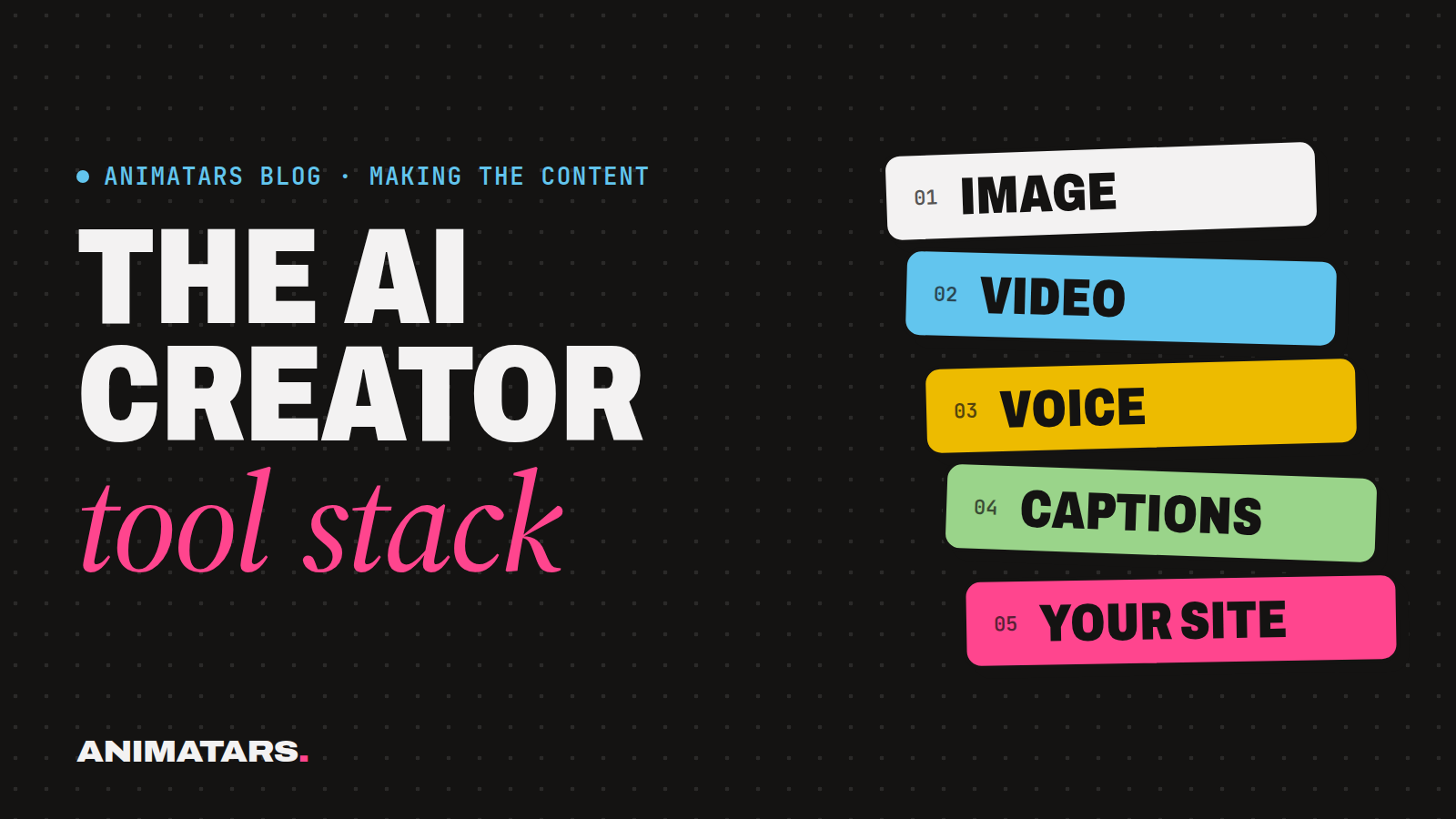
An AI creator is a tiny media company with one employee who doesn’t exist. That employee needs six things done:
- A face that stays the same
- Words: scripts, captions, replies
- Motion: turning stills into clips
- A voice
- Editing: cuts, text, music
- A home for the audience: site, email, store
For each job, ask one question: is this tool the thing slowing me down right now? If not, it waits. That single question has saved us more money than any discount code.
Job 1: The face
What we use: an image generator like Midjourney or Flux, plus a folder of reference images we treat like gold.
What to look for: a way to keep your character consistent. That might be a reference image feature, a trained character model, or simply a very disciplined prompt. Whatever your tool offers, test it the same way: generate your character in a kitchen, on a patio and in a dim bedroom, then lay the three side by side. Same person? Good. Cousin? Keep testing.
This job matters more than the other five combined, which is why we wrote a whole guide on keeping the same AI face in every post.
Skip it: collecting five image generators “to compare.” Pick one, learn it properly for two weeks, and only switch if it truly can’t hold your character’s face. Every tool you add is a new way for the face to drift.
Job 2: Words
What we use: ChatGPT or Claude for first drafts of scripts, hooks, caption variations and the boring stuff (alt text, hashtag brainstorming, reply templates).
What to look for: a chat assistant you can give a long, standing brief to. Paste your character bible at the top of every session so the assistant knows that, say, your renter-friendly character never recommends drilling into walls and always mentions the deposit.
Skip it: dedicated “AI caption generator” apps that are a chat model with a pink button on top. If you already have a general assistant, you have a caption generator. Also skip anything that promises “viral captions.” Nothing promises that honestly.
A quick prompt we use for captions, copy it:
You are writing as [CHARACTER NAME], a [ONE-LINE PERSONALITY].
Here is the post: [DESCRIBE THE IMAGE OR CLIP].
Write 5 caption options under 40 words each.
Rules: no hashtags in the caption, one specific detail from the image,
end with a question a real person would answer.
Do not use the words "obsessed", "cozy vibes" or "must-have".
That last line is not a joke. Banning your character’s crutch words is the fastest way to stop sounding like everyone else.
Job 3: Motion
What we use: image-to-video tools such as Runway or Kling to animate our best stills into short clips: a curtain moving, steam off a mug, the character turning toward a freshly painted shelf.
What to look for: control over how much moves. You want one small, believable motion, not a whole room breathing. We go through the full process in our image-to-video AI workflow.
Skip it: text-to-video for your main character, at least early on. Starting from a still you already approved keeps the face locked. Starting from words is a coin flip.
Job 4: Voice
What we use: a text-to-speech tool like ElevenLabs for voiceovers.
What to look for: a voice you can save and reuse with the same settings, plus fine control over pacing. A voice that changes mood between videos breaks the illusion faster than a sixth finger. Our voice casting guide walks through picking one.
Skip it: cloning anyone’s voice without clear permission. Not a celebrity, not your friend, not “someone who sounds like” a famous host. Design an original voice or use a licensed stock one.
Also skip voice entirely for your first couple of weeks if you can. Plenty of home decor content works with music, on-screen text and a strong before/after.
Job 5: Editing
What we use: CapCut on a phone for cuts, captions and sound, and Canva for carousels, covers and pins.
What to look for: speed. You’ll edit a lot of short clips, so the best editor is the one you can use on the bus.
Skip it: desktop pro editing suites when you’re making 15 second Reels. Learning one is a hobby in itself. Also skip template packs with 400 animated transitions. Your audience wants to see the $40 headboard, not a star wipe.
Job 6: A home for the audience
What we use: a simple website, an email tool like Kit, Beehiiv or MailerLite, and a store or checkout like Lemon Squeezy or Stripe for digital products.
What to look for: that you own the list and can export it. Followers on a platform can vanish with one policy change. An email list is yours. This is the part of the stack people skip for a year and regret.
Skip it: building a fancy store before you have anything to sell. A one page site with an email signup and one free download (a “rental-safe shelf checklist,” a “patio plant shopping list”) does the job for months.
The “skip it” shelf, all in one place
Some tools deserve their own section because they actively hurt AI creators:
- Auto-engagement bots. Auto-likes, auto-follows, auto-comments like “Love this!!” on strangers’ posts. They make your account look like a bot farm. An AI creator already has to work harder to seem real, so this is self-sabotage.
- Follower and view sellers. Fake numbers wreck your reach signals and any future brand conversation.
- Locked-in “AI influencer generator” apps. Fun for a test drive. But if you can’t download your images at full quality, export the character, or take it somewhere else, you’re renting your own character.
- Hashtag research subscriptions. A chat assistant and ten minutes of looking at what similar accounts use gets you most of the way.
- Ten scheduling apps. Try the platform’s own scheduler first, if it has one, and use it until it hurts.
Your week-one stack (copy this)
Here’s the smallest stack that can launch a real account. Everything else waits until it earns a spot.
WEEK ONE STACK
[ ] Image generator (one): ______________
[ ] Chat assistant (one): ______________
[ ] Phone video editor: ______________
[ ] Design app for covers/carousels: ______________
[ ] Reference folder: 10 approved images of the character
[ ] Character bible doc, pasted into every writing session
[ ] AI disclosure line written and saved (bio + caption)

ADD LATER, ONLY WHEN IT'S THE BOTTLENECK
[ ] Image-to-video tool
[ ] Voice tool
[ ] Email tool + simple site
[ ] Store/checkout
About that disclosure line: write it now, while you’re setting things up, so it’s never an afterthought. Something like “Claudia is an AI character made by our studio” in the bio, plus each platform’s own AI label where it applies. Instagram, TikTok and YouTube all have ways to mark AI-generated or realistic synthetic content. Check each platform’s current settings, because they move things around.
How this stack plays out in real life
For a new creator like Claudia (DIY with Claudia: plants, patios, boho makeovers), the early days can run on two tools: an image generator and a chat assistant. A good reference folder does more work than any app. Video can wait until the face is locked. Claudia went on to reach 582K+ followers and 100M+ views across platforms in 90 days, with zero real faces shown, but that came from consistent posting and a clear niche, not from owning more tools. Results vary a lot, and a tool list can’t promise any of it.
The same logic works outside home decor. A cooking character needs great food stills and a warm voice. A fitness character needs motion early, so image-to-video moves up the list. A book-review character might never need video at all. Let the niche pick the order.
FAQ
What AI tools do I need to start as an AI content creator?
One image generator, one chat assistant for scripts and captions, a phone video editor and a design app. Add voice and image-to-video once your character looks the same in every post.
Are all-in-one AI influencer apps worth it?
Usually not at the start. They can be fun to test, but many keep your character inside their app, so you can’t move it, train it elsewhere or own the files.
Do I need paid AI tools to start?
Not on day one. Use free tiers to test your character and niche, then pay for the one tool that is actually slowing you down. Check each tool’s current plans yourself, since they change often.
What’s the most overrated AI creator tool?
Auto-engagement bots that comment and follow for you. They make your account look fake, which is the one thing an AI creator can’t afford.
Build the stack with us
We’re putting our own setup into the Animatars Studio Pack: the Prompt Vault for faces, scenes, video and captions, Character Keys (full character bibles), the Creator School video lessons, plus site templates and email and store hookups for members. It’s in beta right now. If you’d rather spend your first month posting than shopping, join the beta.