Most people who want to make an AI influencer spend three weeks “researching” and zero hours making anything. We’ve been there. Tabs everywhere, a folder named “ideas_final_v2,” no character.
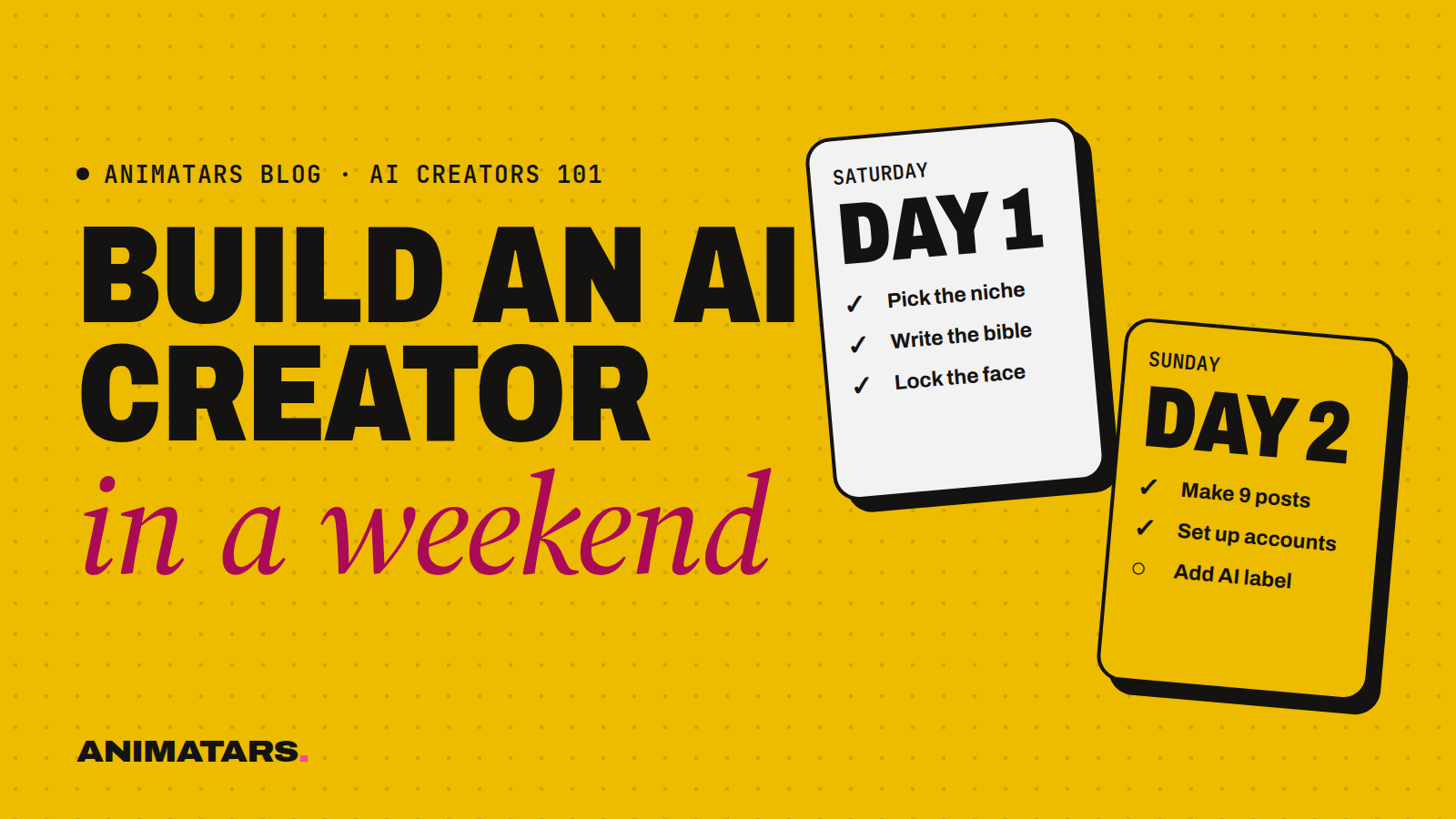
So here’s the fix: one weekend, a timer, and a plan. This is how to create an AI influencer step by step, broken into six blocks across Saturday and Sunday. By Sunday night you’ll have a character with a name, a face that stays put, a voice, a stack of first posts and accounts that are live (and labeled as AI). It won’t be perfect. It will exist, which beats perfect.
If you’re still fuzzy on what an AI creator even is, start with our guide to what an AI influencer is and come back.
Before you start: the Friday night setup (30 minutes)
Do this Friday so Saturday morning isn’t wasted on logins.
- Make a folder with four subfolders:
bible,faces,posts,rejects. - Open accounts on the tools you’ll use. Typical picks: Midjourney or Flux for images, ChatGPT or Claude for writing, CapCut or Canva for editing. That’s enough to begin.
- Pick a timer. Phone is fine. The timer is the whole trick.
- Clear the schedule. Two half-days is all this needs, but they need to be real half-days.
Saturday morning: pick the niche and write the bible (3 hours)
Hour 1: choose a niche you could talk about for a year
The niche decides everything else, so don’t skip it. Write down five ideas, then cross out any you’d get bored of by December. Good niches are specific and visual. “Home decor” is wide. “Cozy rooms on a budget” is a creator (that’s our Alice, at diywithalice.com). “Builds” with a tagline like “Build. Create. Improve.” is another (that’s Logan).
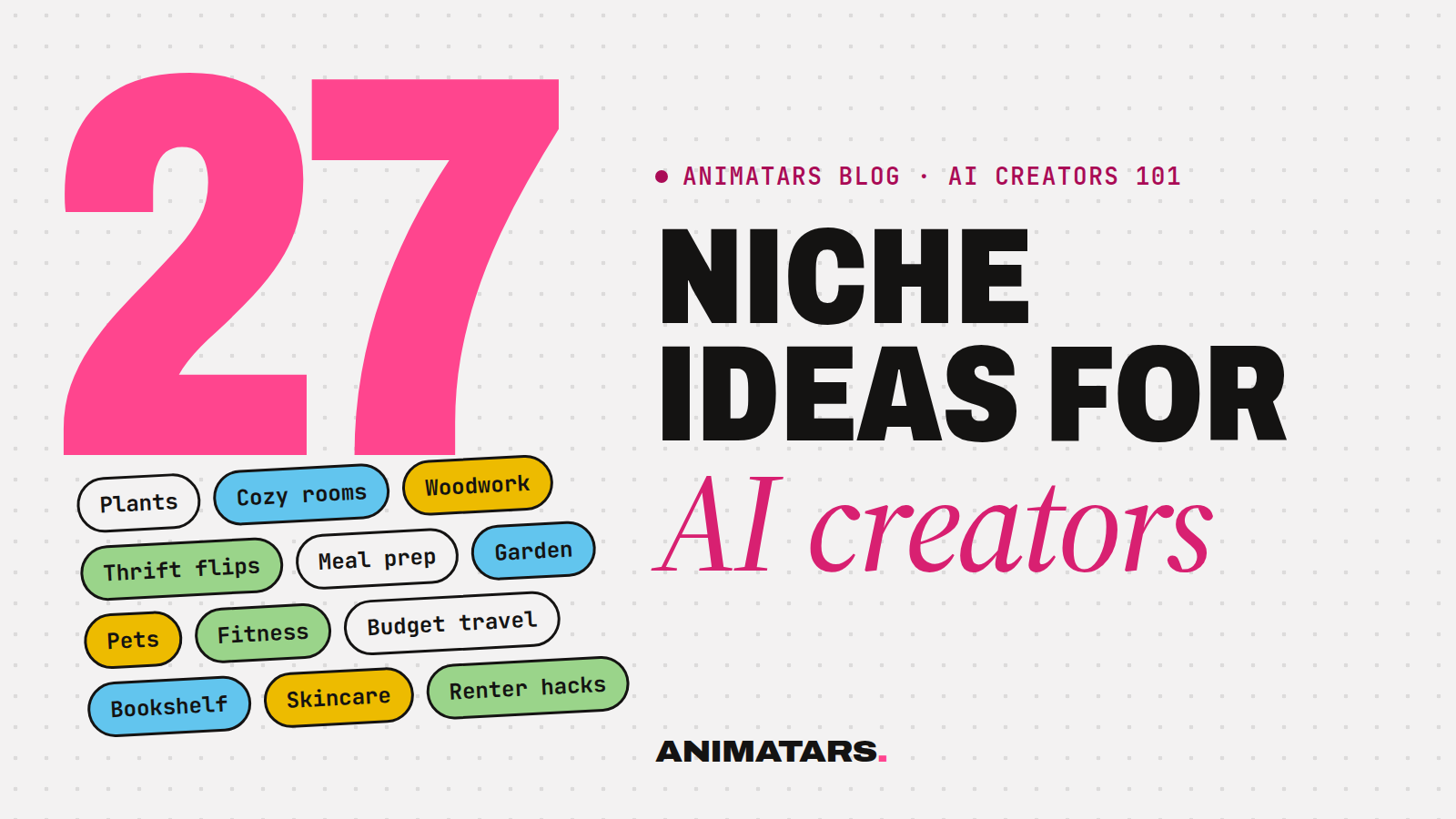
If you’re stuck, our 27 AI influencer niche ideas has a three-question test that settles it fast.
Hours 2 and 3: write the character bible
A character bible is the document that keeps your AI creator consistent. Answer these in plain sentences:
- Name and one-line promise. “Willow helps renters make small spaces feel calm without losing the deposit.”
- Look. Age range, hair, skin tone, build, signature item. Be precise: “shoulder-length dark curls, usually pinned up, linen shirts in oat and sage, small gold hoops.”
- Home base. The rooms or places she appears in. A sunny patio, a tiny studio, a garage workshop.
- Personality. Three adjectives and one quirk. Claudia’s quirk is a running grudge against fake plants.
- Voice rules. Words she uses, words she’d never use, emoji yes or no, how she signs off.
- Values. What she’d never recommend. This saves you from awkward brand deals later.
- Disclosure line. For example: “AI-generated creator. Real projects, real tips.”
Stop at three hours. A bible grows over time. You need version one, not the final edition.
Saturday afternoon: build the face (3 hours)
This is where most weekend projects stall, so we’ll be strict.
Write a “core face” prompt
Pull the look section from your bible into a reusable block. Here’s a template you can copy:
Photo of [name], a woman in her early 30s with [hair], [skin tone], [face shape], [one distinctive feature], wearing [signature outfit]. Natural light, shot on a phone, casual candid expression, real skin texture.
You’ll paste this core block into every image prompt and only change the scene after it.
Generate, then be ruthless
Run the core prompt many times in a neutral setting (plain wall, soft daylight). You’re hunting for one face you love. When you find it, generate more variations from it until you have a small set of reference images that clearly look like the same person: front, three-quarter, side, smiling, neutral.
Here’s the rule that matters: if it doesn’t look like her, it goes in rejects, even if it’s the prettiest picture you’ve made all day. Drift is the fastest way to make an AI creator feel off.
Put her in her world
Now swap the scene after the core block. “…kneeling on a patio, repotting a fiddle leaf fig into a terracotta pot.” “…holding a paint roller in front of a half-painted sage green wall.” Aim for a dozen keepers. Hands and tools are where things go weird, so zoom in before you approve.
Want to go deeper on keeping one face across hundreds of posts? That’s a whole skill, and we’re writing a dedicated guide for it in the “Making the content” part of this blog.
Saturday evening: stop
Seriously. Close the laptop. Fresh eyes on Sunday morning will catch three faces that “looked fine” at 9pm and are clearly a different person.
Sunday morning: captions and voice (2.5 hours)
Write ten captions
Open ChatGPT or Claude, paste your bible, and ask for captions for your first ten post ideas. Then rewrite every one by hand. The AI gives you a draft. Your job is to make it sound like her.
A quick test: read it out loud. If it sounds like a furniture catalog, cut words. If it calls a bedroom a “serene sanctuary,” delete the whole thing and start over.
Example, before and after:
- Draft: “Transform your bedroom into a serene sanctuary with these stunning budget-friendly tips!”
- Rewrite: “My bedroom headboard cost $40 and an afternoon. Here’s the whole thing, staple gun included.”
Optional: a voice
If you plan to do talking videos soon, try a few voices in ElevenLabs and save the one that fits. Match the bible: warm and slow for a calm renter-friendly creator, quick and dry for a builds channel. If you’re doing photo posts first, skip this. It’ll keep.
Sunday afternoon: launch (3 hours)
Set up accounts
Pick one or two platforms to start. Instagram and TikTok are the usual pair for visual niches. For each:
- Handle: Same everywhere if you can get it.
- Profile photo: Your clearest reference image.
- Bio: One-line promise, plus the disclosure line. Something like: “Renter-friendly calm for small spaces. AI-generated creator, real tips.”
- AI labels: Instagram, Facebook, TikTok and YouTube each have ways to label AI-generated or realistic synthetic content. Turn them on where they apply. Menus move around, so check each platform’s current settings rather than trusting a tutorial from last year.
Publish your first three posts
Not ten. Three. Pick the three most saveable ideas, the ones a stranger would bookmark. “How to hang a gallery wall with zero nail holes” beats “Sunday vibes” every time. Schedule the rest across the next two weeks.
Sunday evening: plan the next 14 days (1 hour)
Fill in this simple calendar. One line per day:
| Day | Post idea | Format | Done? |
|---|---|---|---|
| Mon | 3 ways to hide ugly cords | Carousel | |
| Tue | Before/after: $40 headboard | Reel | |
| Wed | Reply to a comment question | Photo + caption | |
| … | … | … |
Mix three types: teach (how-to), show (before and after) and talk (answer questions, share an opinion). Then commit to checking comments every day. The comments will tell you what to make next better than any plan will.
How to create an AI influencer: the weekend checklist
Copy this somewhere you’ll see it:
- Niche picked and written in one sentence
- Character bible, version one
- Core face prompt saved
- Reference set of approved faces
- A dozen scene images that pass the “same person” test
- Ten captions rewritten by hand
- Accounts live with bio disclosure and AI labels on
- Three posts published
- Two-week calendar filled in
What happens after the weekend
The weekend gets you started. The following months are where an AI creator becomes something people follow: steady posting, reading comments, testing hooks, fixing the face when it drifts. Expect slow weeks. Results vary, and some characters take a long time to click.
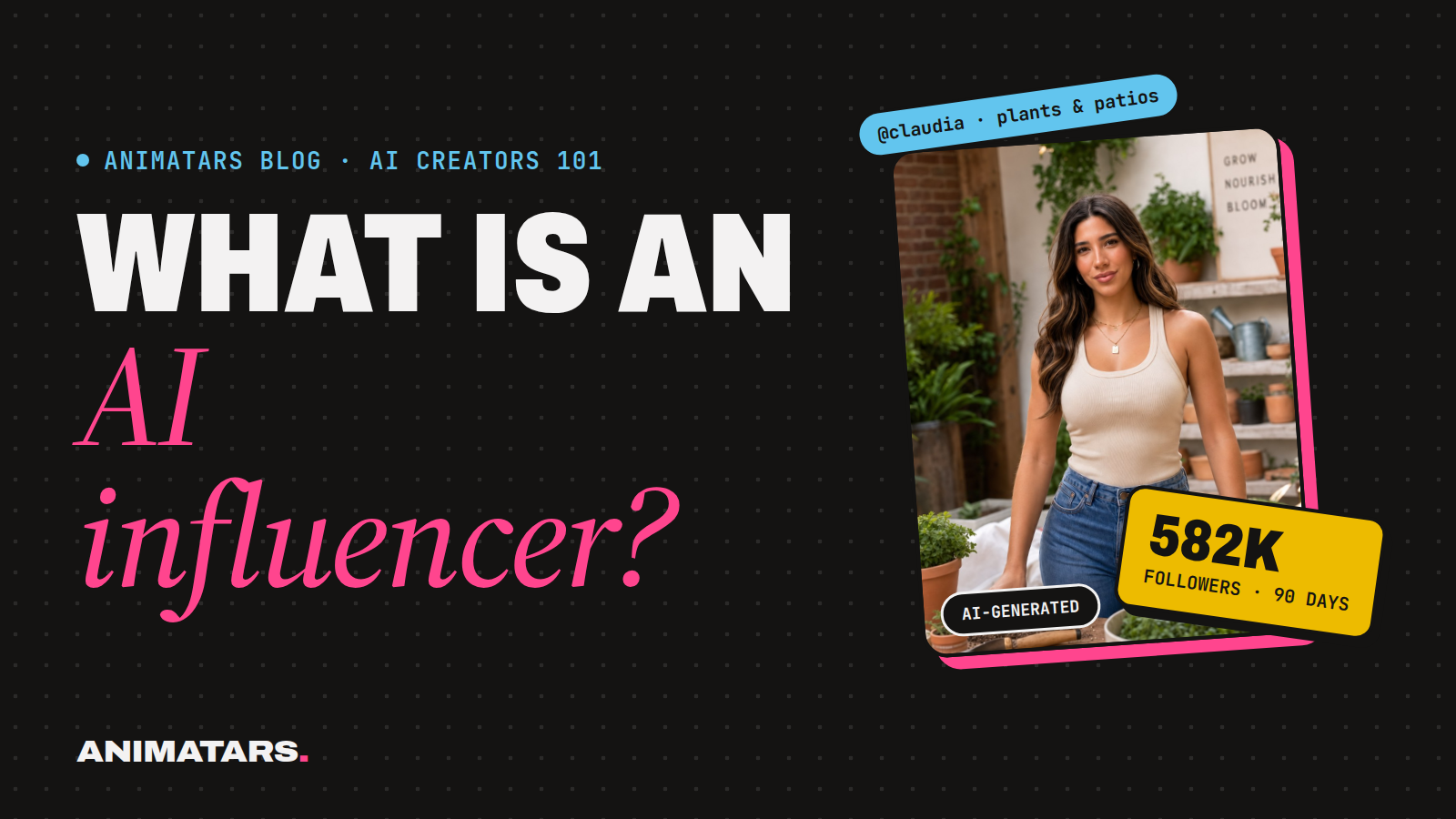
For a sense of what’s possible, Claudia (diywithclaudia.com) reached 582K+ followers and 100M+ views across platforms in 90 days with zero real faces shown. That’s our best example, not a forecast. Before you go too far, also read the 13 AI influencer mistakes we see most, because a few of them are easiest to avoid on day one.
FAQ
How long does it take to create an AI influencer?
You can design the character, build a consistent face and launch accounts with a few posts in one focused weekend. Getting good at it, and growing an audience, takes months of steady posting.
What tools do I need to make an AI influencer?
An image generator such as Midjourney or Flux, a writing assistant such as ChatGPT or Claude, and an editor like CapCut or Canva. Video tools such as Runway or Kling, and a voice tool such as ElevenLabs, are optional at the start.
How do I keep my AI influencer’s face the same in every post?
Lock the face early with a small set of approved reference images, reuse the same core description in every prompt, and reject any image that drifts, even when it’s pretty.
Do I have to say my influencer is AI?
Yes. Put it in the bio and use each platform’s AI content label where it applies. Check each platform’s current settings when you post, since they change.
Make it a team weekend
Doing this alone works. Doing it with prompts, templates and a character bible already laid out is faster. That’s what the Animatars Studio Pack will include: Creator School lessons, the Prompt Vault, Character Keys, tutorials and site templates. Join the beta and build your first creator with us.