Think of this as a field guide. You’re heading into new terrain with a character who doesn’t exist, on an app that moves faster than any other, and you want to come back with an audience. Pack light, label your gear, and read the signs.
Starting an AI TikTok account isn’t that different from starting any TikTok account. You need a clear idea, a strong first second and a steady rhythm. But there are a few extra things to get right with an AI creator, especially around labels and trust. This guide covers the setup, the label settings, the video formats that suit AI characters, and the hazards we’ve learned to avoid. It’s part of our hub on becoming a faceless content creator.
Field note 1: know the terrain
TikTok is a video-first, fast-scrolling app where people often see creators they don’t follow. That means every video is a first impression for a lot of the people watching. Your character has to make sense to a stranger in a second or two.
What that means in practice:
- The character must be recognizable instantly. Same face, same signature details (Claudia’s plants, Logan’s workshop) in every video.
- The niche must be obvious from one video. Someone should know what your account is about without visiting your profile.
- Personality beats production. A slightly rough video with a real point of view usually feels more at home on TikTok than a glossy ad.
We won’t pretend to know how TikTok’s recommendation system weighs things. Nobody outside the company does. But making each video clear and watchable on its own is good practice no matter how the system works.
Field note 2: pack the right gear
Before you post anything, have these ready:
- A character bible with the look, voice and backstory locked.
- A voice. Most TikToks have sound, and a mismatched voice breaks the spell fast. Our guide to giving your AI creator a voice covers how we cast them.
- A video workflow. Many AI creators turn stills into motion with image-to-video tools (Runway and Kling are well-known examples), add voice from a tool like ElevenLabs, and edit in CapCut.
- Ten finished videos. A buffer keeps you posting through bad weeks.
Field note 3: set up camp (profile and labels)
Your profile
- Name and handle: match the character’s name on every platform.
- Profile photo: the character’s face, close-up.
- Bio: what they do and the disclosure. Example: “Logan. Build. Create. Improve. AI-generated character.”
- Link: when it’s available to you, point it to one place that you control later on.
The label settings
TikTok has its own rules for AI-generated content, and they’re worth reading in full before you post. In general terms:
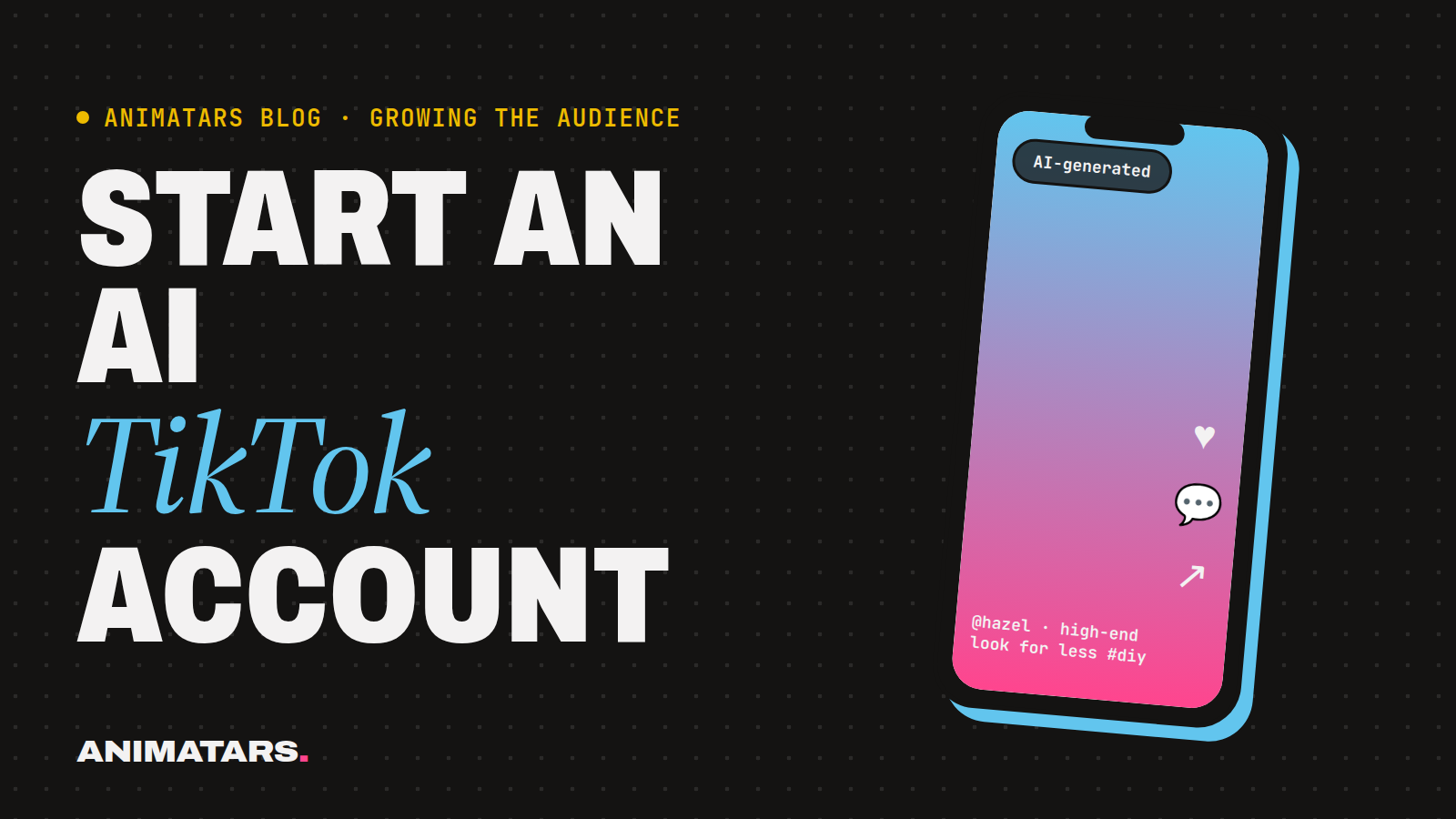
- There’s a setting to label your video as AI-generated when you post it. Use it on realistic AI content, and when in doubt, use it.
- TikTok may add labels automatically in some cases, for example when content carries certain metadata from AI tools.
- Some uses aren’t allowed at all, such as content that misleads people about real events or impersonates real people.
We’re not going to give you exact menu paths, because they move. Check TikTok’s current posting options and community guidelines when you start, and again every few months. If a video is sponsored or has affiliate links, use TikTok’s branded content tools and say so clearly. The FTC expects paid partnerships and affiliate links to be disclosed. Our guide to labeling AI content on Instagram, TikTok and YouTube goes deeper.
Why labeling helps you
It’s tempting to think a label will hurt. Our experience is the opposite: when the account is open about being AI, comments are about the content instead of “is she real?” Arguments in the comments about whether your creator exists don’t build a community. Answering it in the bio and the label settles it.
Field note 4: read the signs (formats that suit AI creators)
These are the TikTok AI content formats we’d try first. Pick two and run each several times.
The 20-second fix
One problem, one fix, done. “Ugly rental blinds? Here’s what I do.” Willow’s renter-friendly calm is made for this.
The reveal
Start with the “after” for half a second, cut to the “before”, then show the steps. A boho patio, a $40 headboard, a tiny balcony garden.
The series
“Day 1 of turning this empty corner into a reading nook.” Series give people a reason to follow, because they want part two.
Reply to a comment
TikTok lets you reply to comments with a video. Pick a real question (“does peel-and-stick really come off?”) and answer it in character. It shows the account listens.
The opinion
A short, friendly hot take that fits the character. Hazel on “the one thing that makes a cheap room look expensive”. Keep it about the niche, not about real people or brands.
The duet-style reaction (carefully)
Reacting to trends or sounds can work if it fits the character. Don’t react to real people’s videos in ways that mock them, and don’t make the AI character seem to be a real person in the room with them.
For opening lines, our hooks for Reels and TikToks swipe file has plenty to adapt.
Field note 5: hazards on the trail
These are the ones we see most with AI TikTok videos:
- The uncanny valley. Warped hands, drifting faces, lip sync that’s slightly off. Cut those frames or re-generate. People notice.
- Pretending to be real. “Just woke up, no makeup lol” from an AI character crosses a line. Write things a character can honestly say.
- Fake testimonials. An AI character saying “this cream fixed my skin” is deceptive. Show products, don’t claim experiences with them.
- Posting the Instagram Reel unedited. Watermarks, wrong text placement, captions written for a different app. Rework it. Our guide on repurposing content across platforms shows how.
- Going silent. A big push for a week, then nothing. Steady beats sporadic.
- Copying another AI creator’s look. Make a character that’s clearly yours.
Your first two weeks with an AI TikTok account
A simple plan to get moving. Adjust to your rhythm.
DAY 1   Profile set up, bio with AI disclosure, label settings checked.
DAY 2   Post: a reveal video (your strongest "after").
DAY 3   Post: a 20-second fix.
DAY 4   Reply to every comment in character.
DAY 5   Post: day 1 of a series.
DAY 6   Post: reply-to-comment video (or another fix).
DAY 7   Rest. Note which video got the most questions.
DAY 8   Post: series day 2.
DAY 9   Post: an opinion video.
DAY 10  Post: series day 3.
DAY 11  Reply to comments. Turn the best question into a video idea.
DAY 12  Post: a reveal.
DAY 13  Post: series day 4.
DAY 14  Review: which format earned the most saves, shares and questions?
        Make more of that one next week.
FAQ
Can you have an AI TikTok account?
Yes. TikTok allows AI-generated content as long as you follow its rules, including labeling realistic AI content. Check TikTok’s current community guidelines and labeling options before you post.
How do I label AI content on TikTok?
TikTok has an option to mark a video as AI-generated when you post, and it may also add labels automatically in some cases. The exact settings change, so look at the current posting options each time.
What kind of AI TikTok videos work best?
Videos where the character does something useful or entertaining: quick makeovers, one-tip explainers, reactions to comments and short series. Personality and a strong first second matter more than polish.
Should I post the same videos on TikTok and Instagram?
You can reuse the idea and the footage, but adjust the edit, text and caption for each platform. Native-feeling posts usually do better than obvious copies.
Back at base camp
An AI TikTok account works when the character is recognizable, the label is on, and every video makes sense to a stranger. The rest is showing up and listening to the comments.
Animatars is building the studio to help you do all of it: design the character, launch the accounts, grow the audience, then bring it home to your own site with an email list and a store. Join the beta and start your field trip with us.