The hardest part of posting every day isn’t making the post. It’s standing in front of a blank screen at 7pm trying to remember what your character is supposed to care about.
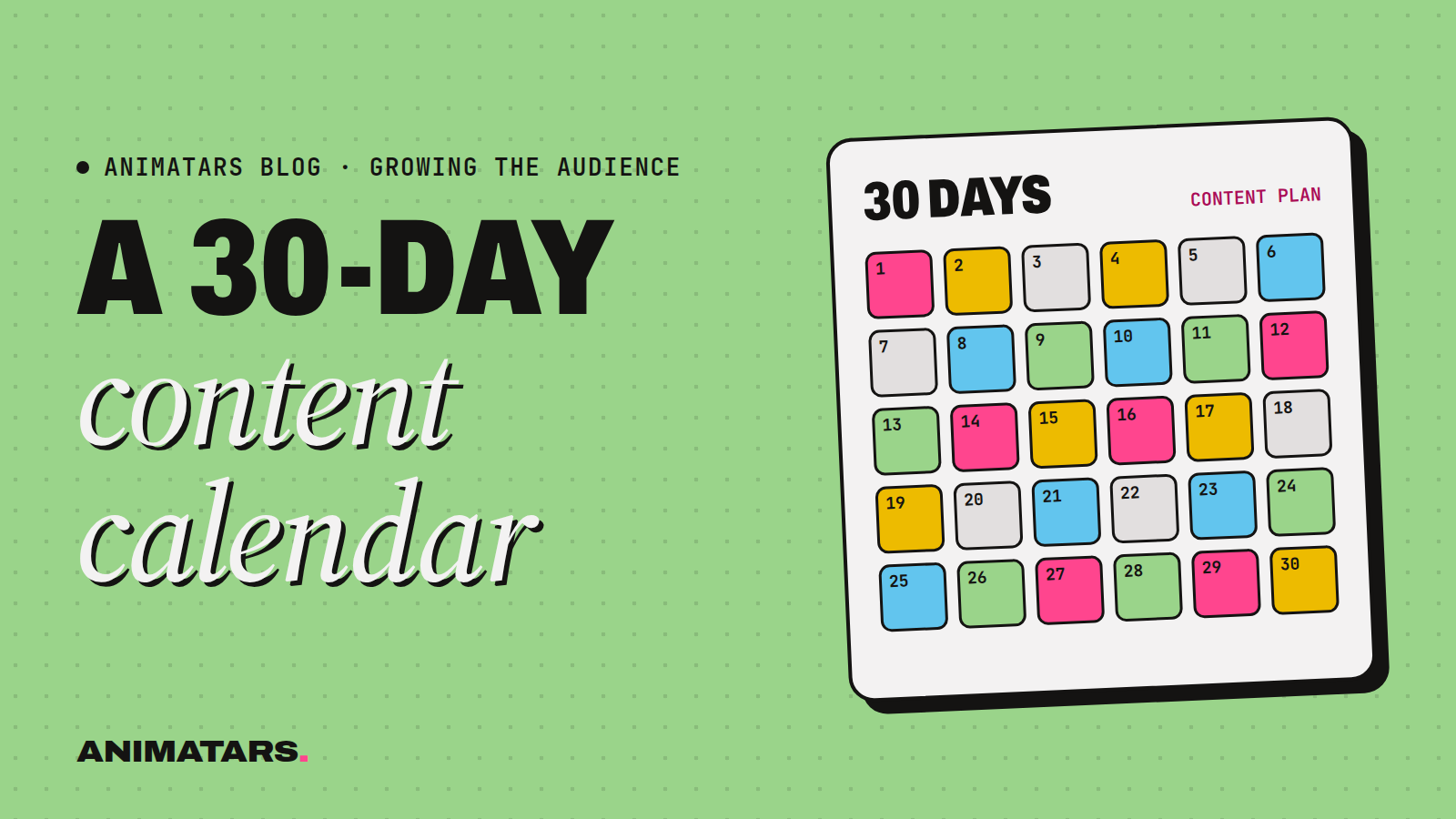
A social media content calendar fixes that. You decide once, on a calm Sunday, and then you just follow orders from your past self. Below is the exact 30-day plan we’d hand a brand-new AI creator, written out for a renter-friendly home decor character (think Willow), plus a blank version you can copy, and the batching routine that makes it doable.
Why a 30-day calendar (and not a 90-day one)
Ninety days is a great horizon for goals. It’s a terrible horizon for ideas. By week six you’ll know things you don’t know now: which hooks land, which series people ask for, which formats your character is weirdly good at. A month is long enough to build a habit and short enough to rewrite.
So: plan 30 days, run them, look at what worked, plan the next 30.
The weekly rhythm behind it
Every week in this calendar follows the same skeleton. It keeps your audience oriented (“oh, it’s Tuesday, she does the five-minute fix”) and keeps you from deciding from scratch.
| Day | Theme | Why it’s there |
|---|---|---|
| Monday | Big transformation | Starts the week with your most shareable format |
| Tuesday | Quick fix (under a minute) | Easy to make, easy to save |
| Wednesday | Opinion or hot take | Gives your character a personality |
| Thursday | Teaching carousel or list | Save-bait, works on Instagram especially |
| Friday | Series episode | Builds return viewers |
| Saturday | Behind the scenes / “a day with” | Makes the character feel lived-in |
| Sunday | Community: answer a comment, poll, recap | Talks back to the people who showed up |
Swap the themes to suit your niche. A plant creator might make Wednesday “plant myth busting”. A builder like Logan might make Friday “build log”.
The 30-day social media content calendar (copy this)
Each day has a format, an idea and a starter hook. The hooks are adapted from our swipe file of 31 hooks, so you can grab alternates there.
Week 1: Introduce the character
| Day | Format | Idea | Starter hook |
|---|---|---|---|
| 1 | Reel / TikTok | Meet the creator: her style in three rooms | “If your apartment feels like a waiting room, hi, I’m Willow.” |
| 2 | Short video | Swap ugly rental cabinet knobs | “This took ten minutes and zero landlord permission.” |
| 3 | Short video | Opinion: why she hates overhead lights | “Unpopular opinion: your ceiling light is the problem.” |
| 4 | Carousel | 7 renter-friendly upgrades you can undo | “Save this before you sign your next lease.” |
| 5 | Series ep. 1 | “The Beige Bedroom” series begins | “Day 1 of making a beige rental bedroom feel like mine.” |
| 6 | Stories / BTS | Moodboard and mistakes from the week | “What I almost did to this wall.” |
| 7 | Community | Poll: next room to fix | “You pick. I make it calm.” |
Week 2: Show what she’s good at
| Day | Format | Idea | Starter hook |
|---|---|---|---|
| 8 | Reel / TikTok | Full entryway makeover, before and after | “Before you scroll, look at this sad little entryway.” |
| 9 | Short video | Command-hook curtain rod trick | “You’ve been hanging curtains wrong. Same.” |
| 10 | Short video | Trend take: all-white kitchens | “White kitchens are not the safe choice.” |
| 11 | Carousel | Lamp placement cheat sheet | “Steal my three-lamp rule.” |
| 12 | Series ep. 2 | Beige Bedroom: textiles | “Day 2: the bedding swap that did the most.” |
| 13 | Stories / BTS | Shopping haul, with affiliate disclosure | “Everything I bought and what I’d return.” |
| 14 | Community | Answer the most common comment as a video | “You asked how I hide cords. Here.” |
Week 3: Go a bit deeper
| Day | Format | Idea | Starter hook |
|---|---|---|---|
| 15 | Reel / TikTok | Tiny balcony into a reading spot | “This balcony was storage. Now it’s a whole mood.” |
| 16 | Short video | Peel-and-stick backsplash, honest review | “I tried peel-and-stick tile so you don’t have to.” |
| 17 | Short video | Red flag / green flag: rental features | “Green flag, red flag: apartment tours.” |
| 18 | Carousel | A full renter’s toolkit list | “Everything in my renter toolkit, nothing that leaves holes.” |
| 19 | Series ep. 3 | Beige Bedroom: walls without paint | “Day 3: changing the walls without a single brush.” |
| 20 | Stories / BTS | “A Sunday reset with me” | “Slow Sunday, three small fixes.” |
| 21 | Community | Duet or stitch a follower’s question | “Your room, my two cents.” |
Week 4: Pay it off
| Day | Format | Idea | Starter hook |
|---|---|---|---|
| 22 | Reel / TikTok | Living room “same room, different lamps” | “Same living room. Different lamps.” |
| 23 | Short video | Five-minute fix: shelf styling formula | “Tall, round, stack, plant. That’s it.” |
| 24 | Short video | The thing she’ll never buy again | “The rug I’ll never buy again.” |
| 25 | Carousel | Moving-in checklist for renters | “Save this for move-in day.” |
| 26 | Series finale | Beige Bedroom: the reveal | “Day 4. Wait for the lighting.” |
| 27 | Stories / BTS | Behind the reveal: what went wrong | “I almost didn’t post this.” |
| 28 | Community | Recap: top questions this month | “Your five best questions, answered fast.” |
Days 29 and 30: Review and reload
| Day | Format | Idea | Starter hook |
|---|---|---|---|
| 29 | Short video | Re-post your best video from the month with a new hook | (Pick a different hook family from your original) |
| 30 | No public post | Review your analytics and plan the next 30 days | (This one’s for you) |
Yes, day 30 is a day off from posting. A calendar you can sustain beats a calendar you abandon on day 19.
The blank content calendar template
Paste this into Google Sheets, Notion, Airtable or a notes app. Fill it in one week at a time.
| Day | Date | Platform(s) | Format | Idea | Hook | AI label on? | Paid or affiliate disclosure? | Status |
|---|---|---|---|---|---|---|---|---|
| 1 | ☐ | ☐ | Idea / Drafted / Scheduled / Live | |||||
| 2 | ☐ | ☐ | ||||||
| 3 | ☐ | ☐ | ||||||
| 4 | ☐ | ☐ | ||||||
| 5 | ☐ | ☐ | ||||||
| 6 | ☐ | ☐ | ||||||
| 7 | ☐ | ☐ |
The two checkbox columns are there on purpose. Instagram, Facebook, TikTok and YouTube all give you ways to label AI-generated or realistic synthetic content, and the FTC expects paid partnerships and affiliate links to be disclosed. Settings move around, so check each platform’s current options when you post. Having the box in your calendar means you’ll never post day 13’s haul and realize afterward you forgot to say the links earn you a commission.
The batching routine that makes this survivable
Nobody makes 30 posts on 30 separate days. Here’s how we’d split one week of the calendar across two sessions:
Session 1 (Sunday, about half a day): ideas and stills
- Fill in next week’s rows in the calendar.
- Write all seven hooks and rough captions. Use ChatGPT or Claude for first drafts, then rewrite in your character’s voice.
- Generate the key stills for every post in Midjourney or Flux, using your character’s reference images so the face stays consistent.
Session 2 (Wednesday evening): motion and polish
- Turn the stills into clips with an image-to-video tool like Runway or Kling.
- Record voiceovers with ElevenLabs or your chosen voice.
- Edit and add captions in CapCut. Build carousels in Canva.
- Schedule everything, labels and disclosures ticked.
Then the rest of the week is just replying to comments, which is where the real growth happens anyway.
How to adapt the calendar to your niche
The structure stays; the nouns change. Here’s how three other niches might fill Week 1:
- Plants: Day 2 becomes “repotting a root-bound pothos”. Day 3 becomes “unpopular opinion: misting is mostly for you, not the plant”.
- Budget cooking: Day 5 starts a series called “Pantry Week”. Day 4 is a carousel of five dinners from one bag of groceries (keep any prices clearly hypothetical).
- Woodworking: Day 1 is “meet the builder” over a workshop tour. Day 5 is ep. 1 of a “build a bench from one board” log.
Whatever your niche, keep the Wednesday opinion slot. AI creators win when they feel like someone. Opinions are the fastest way to get there.
What to do on day 30
Open each platform’s analytics and answer four questions in a note:
- Which three posts got the most saves or shares?
- Which hook families showed up in those posts?
- Which day of the rhythm was hardest to make? Can you simplify it?
- What did people ask for in the comments?
Your answers write next month’s calendar for you. More of what got saved, less of what was a slog, and at least one series built from a comment.
For the wider strategy (choosing a niche, building a character, growing without your face), read the pillar post: How to Become a Faceless Content Creator. And when one video needs to go everywhere, our guide on how to repurpose content across platforms shows how to adapt each post without copy-pasting. Want the 90-day view? See How to Grow an AI Instagram Account From Zero.
FAQ
How often should an AI creator post?
Pick a pace you can keep for a month without burning out. For most people that’s one short video most days plus a few carousels or stories a week. Consistency beats volume, so start smaller than you think.
What should be in a social media content calendar?
At minimum: the date, the platform, the format, the idea, the hook and a status column. Add a column for the AI label and any affiliate or paid disclosure so you never forget them on posting day.
Should I post the same thing on every platform?
You can post the same core video, but tweak the hook, caption and length for each platform. We cover that in our repurposing guide.
Is there a free content calendar template?
Yes, there’s a blank one in this post. Copy the table into Google Sheets, Notion or a notes app and fill in a week at a time.
Start on Sunday
Copy the blank table. Fill in week one. Batch it in two sessions. That’s a month of posting that doesn’t start with panic at 7pm.
A steady rhythm is what we aim for with every creator we build, including Claudia (DIY with Claudia), who reached 582K+ followers and 100M+ views across platforms in 90 days with zero real faces shown. Calendars, Character Keys and video lessons on all of it are going into the Studio Pack we’re building for members. Join the beta to get in early.